 Getting started
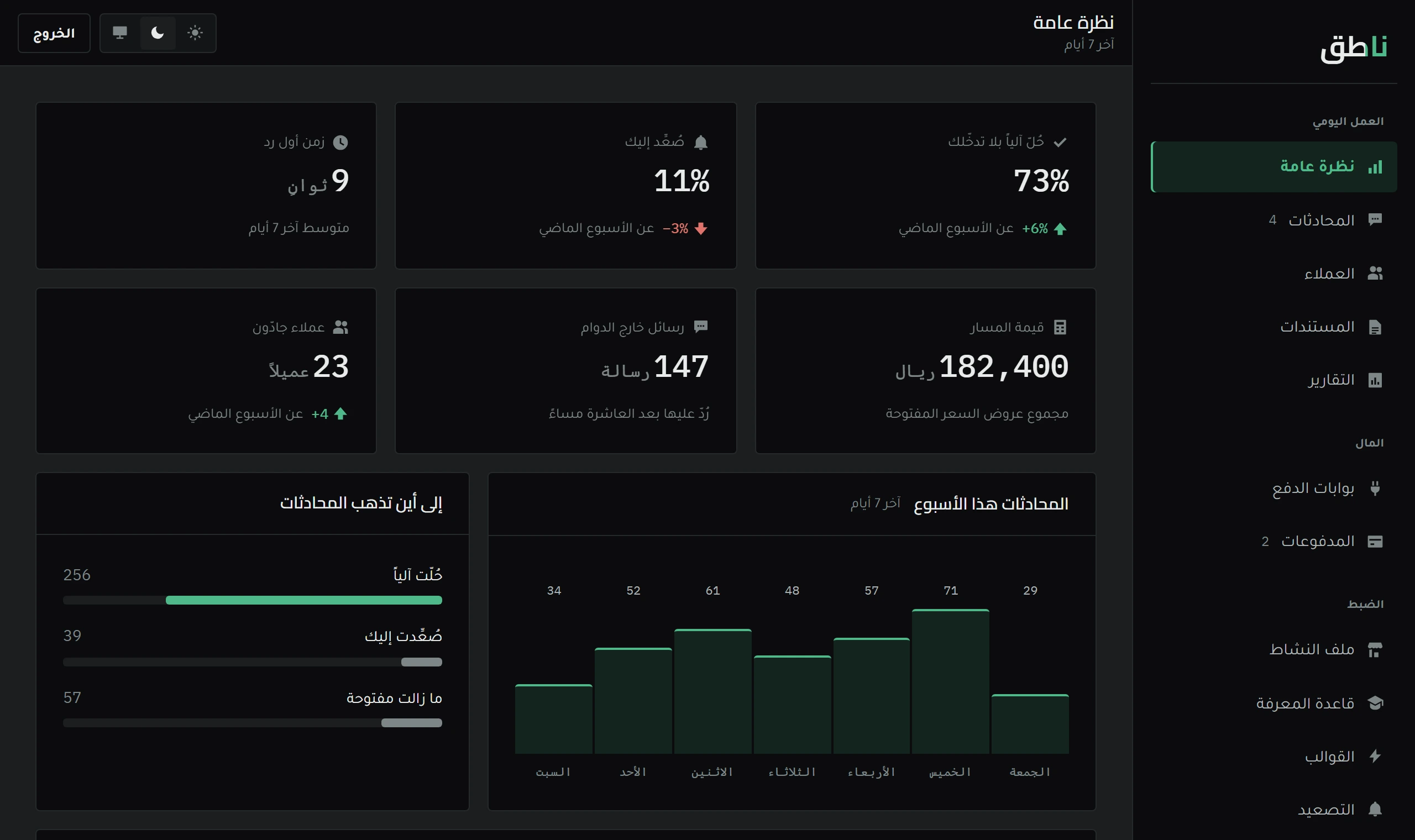
Your first week in Naateq — what to look at
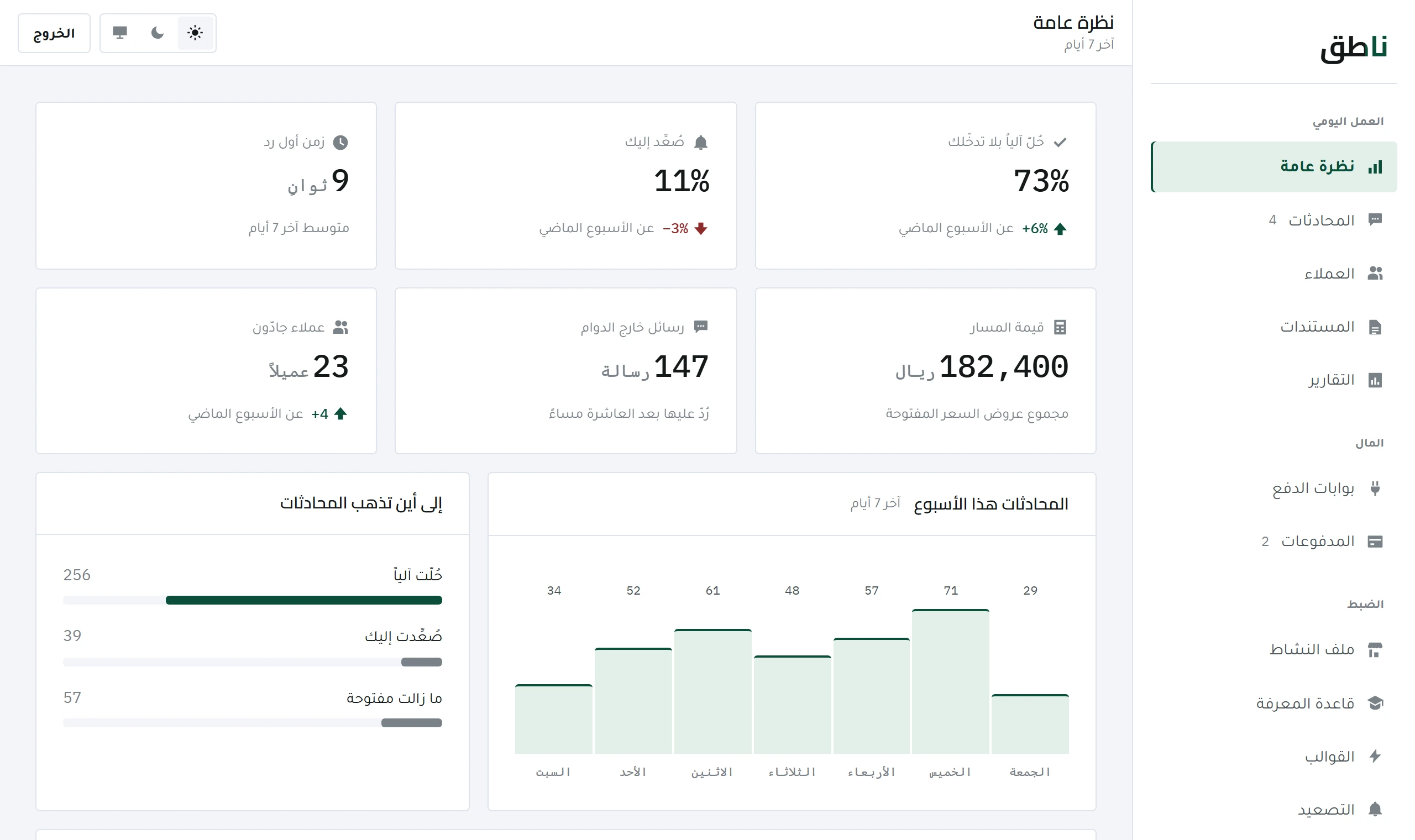
Four numbers at the top of the dashboard carry your first week: automated resolution rate, escalation rate, first-reply time and pipeline value.
5 minOpen lesson
The blog answers questions before you subscribe. These lessons answer what comes after: how to use Naateq day to day, with screenshots from the dashboard itself.
Your first week: what you see when you open the dashboard, and how a new channel gets connected.
Getting started
Four numbers at the top of the dashboard carry your first week: automated resolution rate, escalation rate, first-reply time and pipeline value.
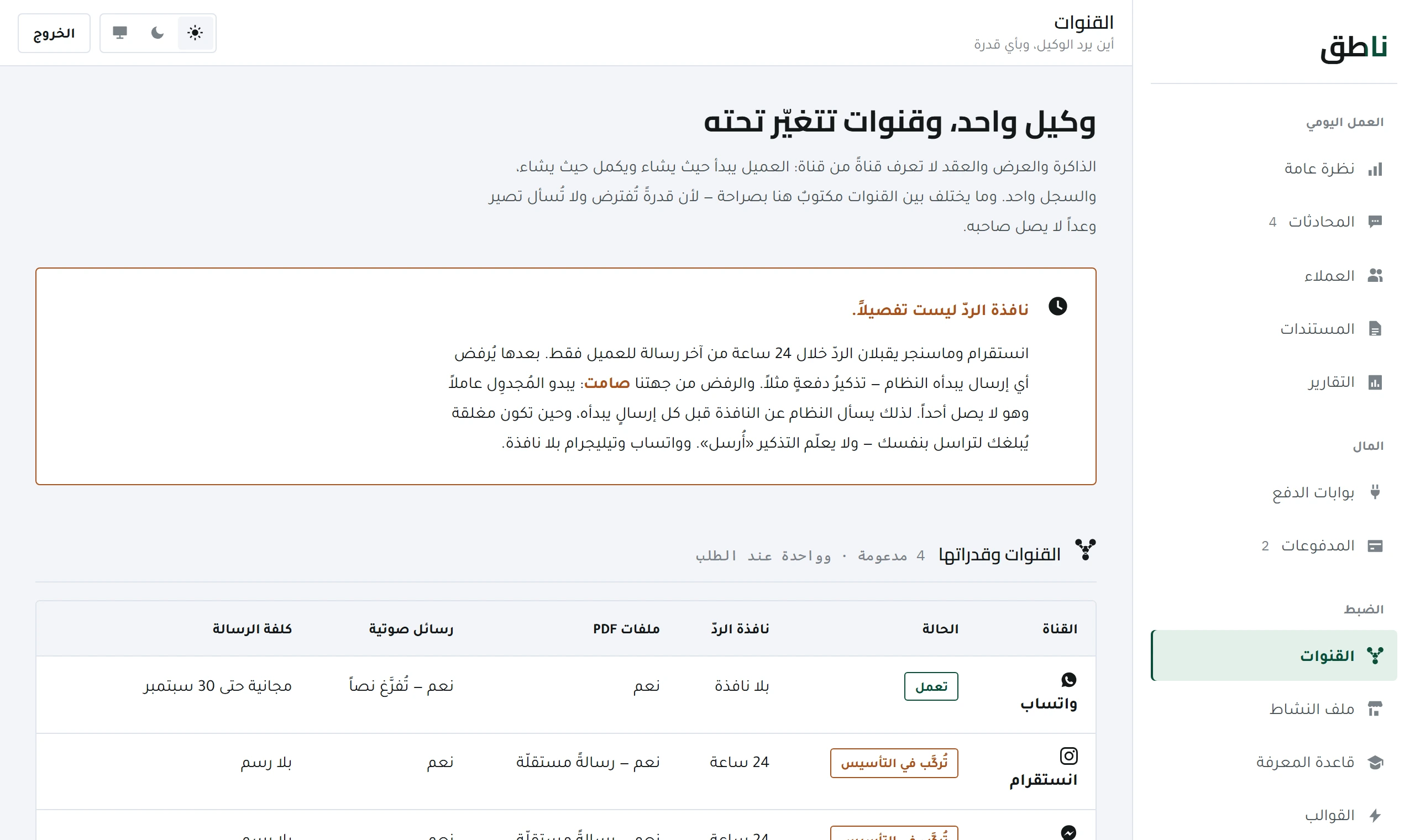 Getting started
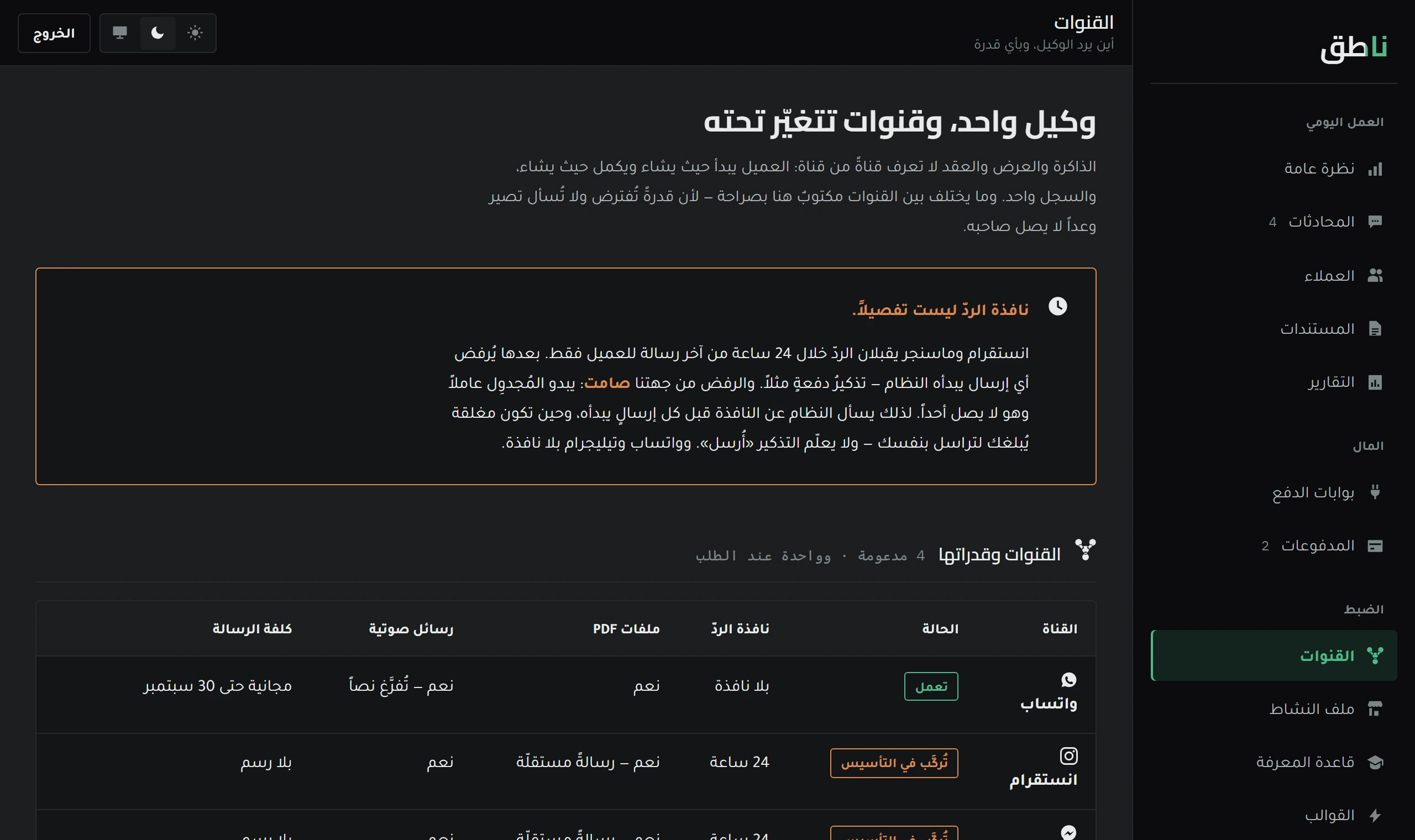
Every channel is its own row with its own status and keys. What each one needs, and why Instagram and Messenger do not open at the press of a button.
Conversations and documents — what the system does alone, and when you step in.
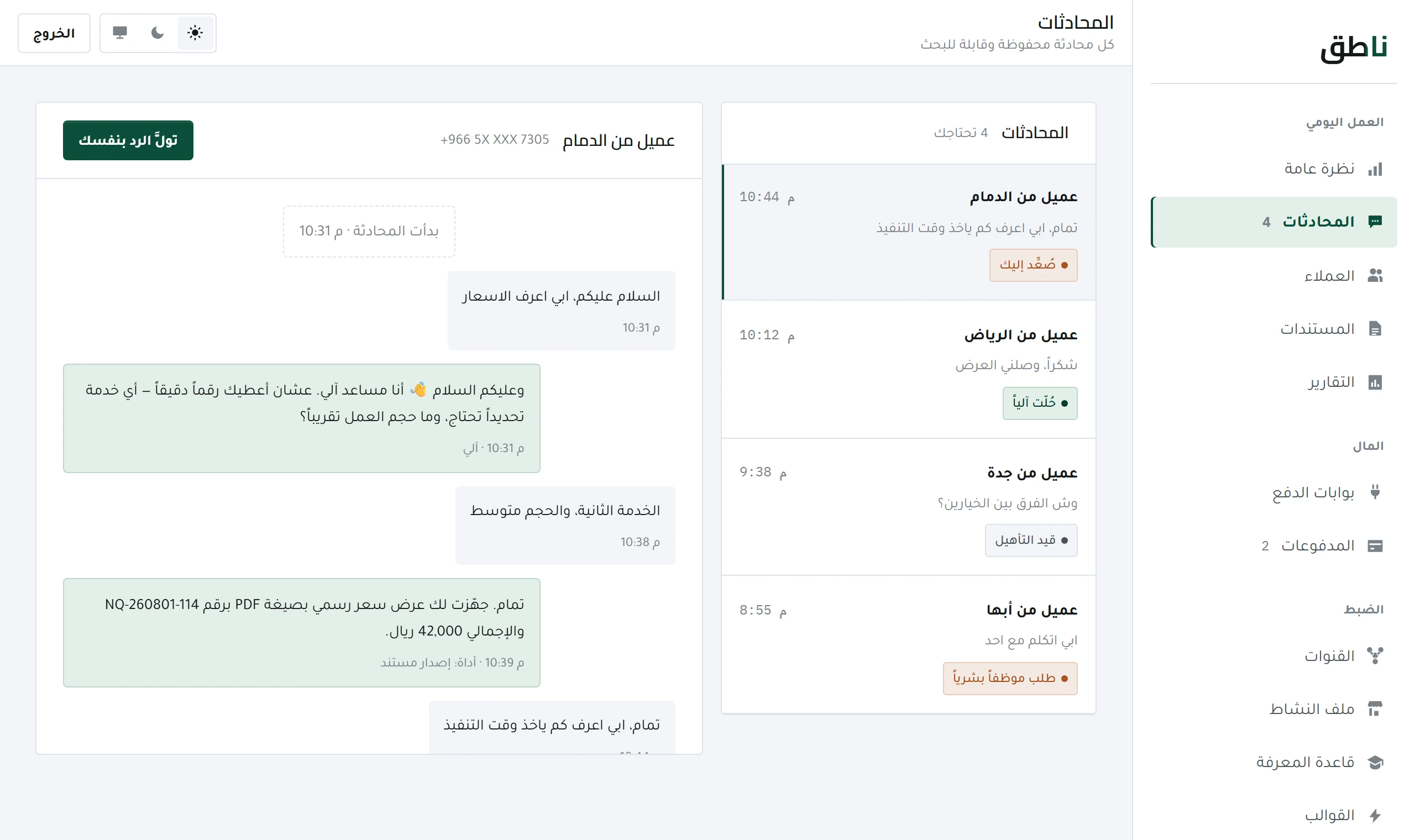 Daily work
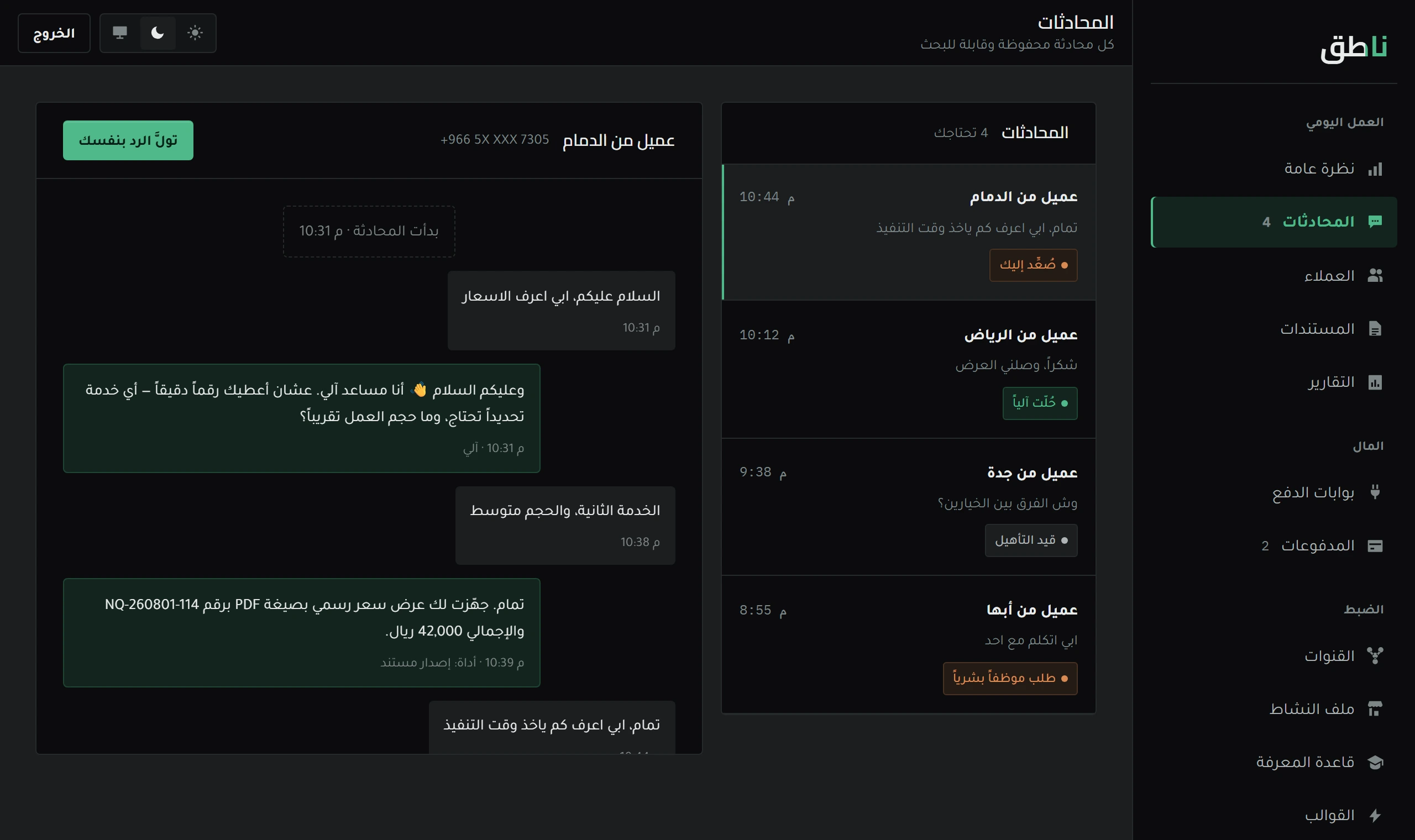
The system replies on its own, and you see everything. How to read a conversation, what the «escalated» tag means, and what happens when you type.
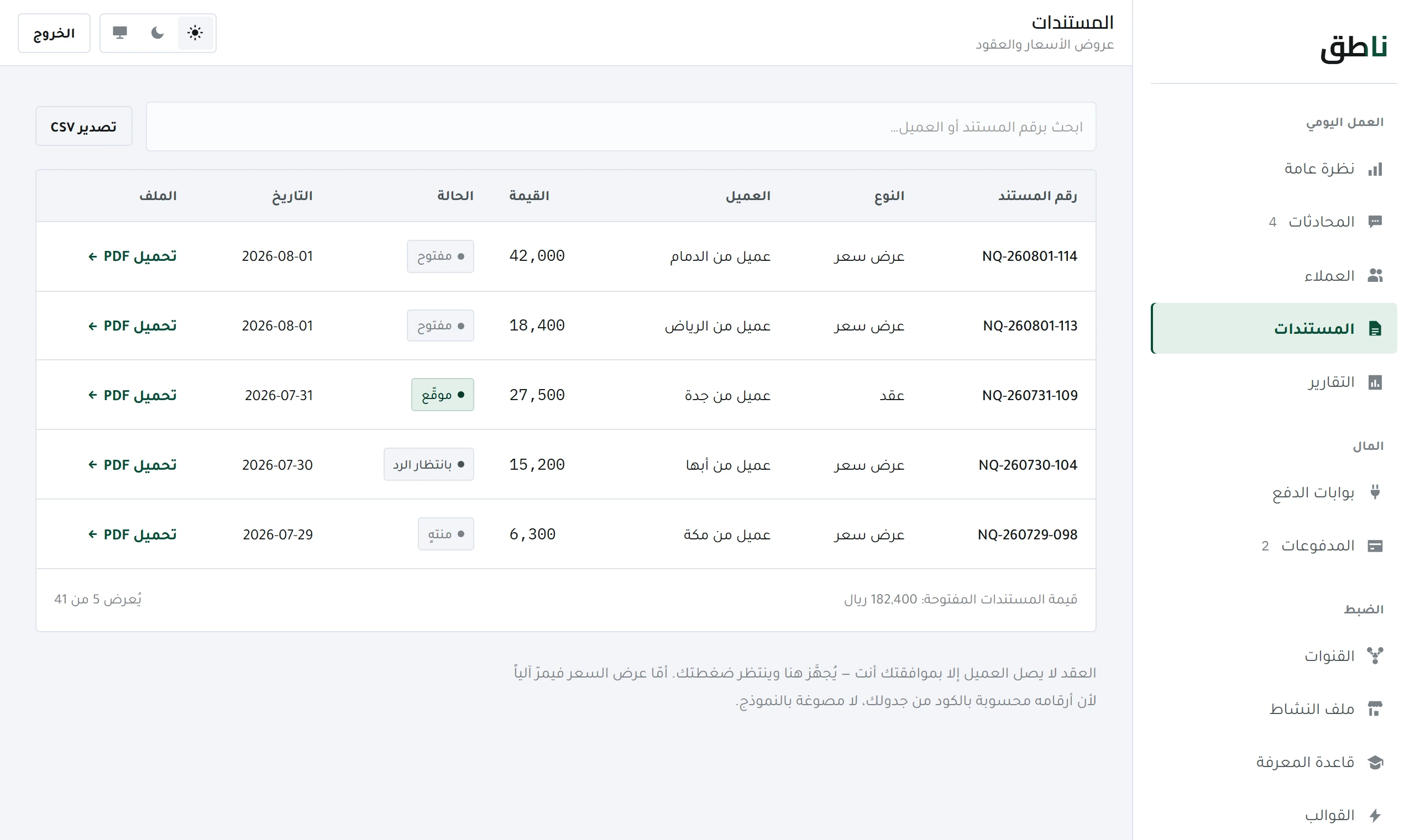 Daily work
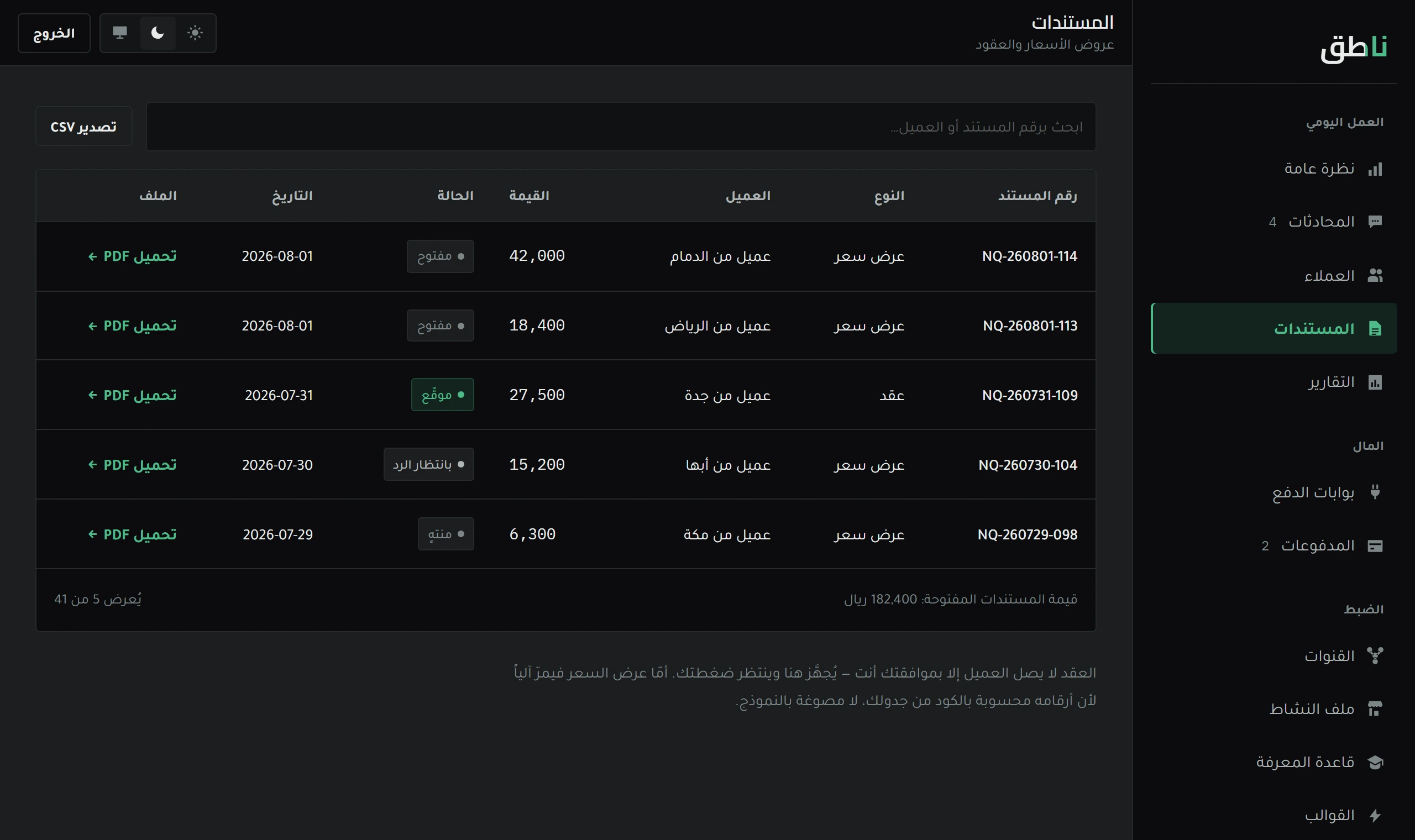
The system prepares the document and does not issue it. Why approval is always manual, and how to approve from WhatsApp in one message.
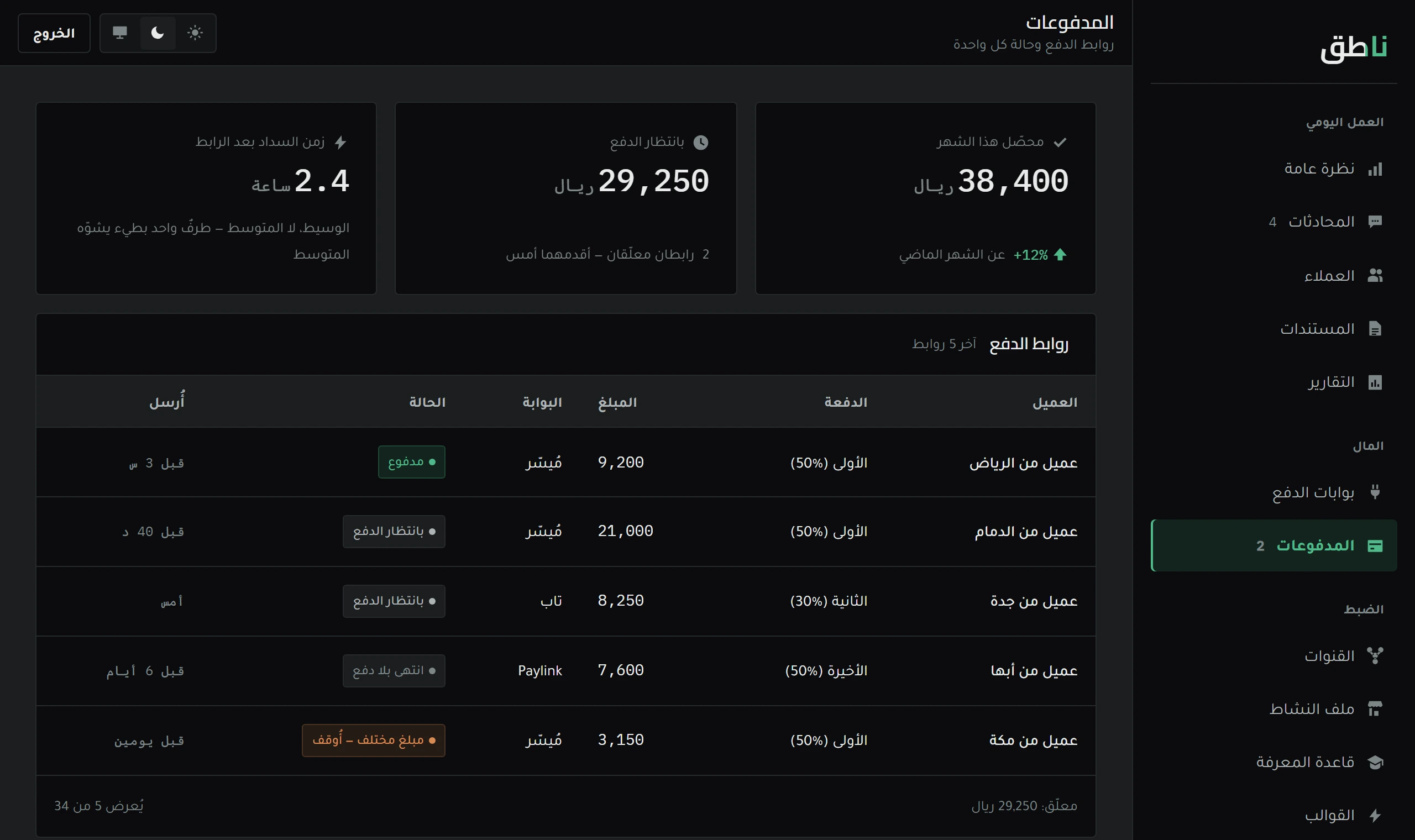
Activating a payment gateway, sending the payment link, and tracking what arrived and what is late.
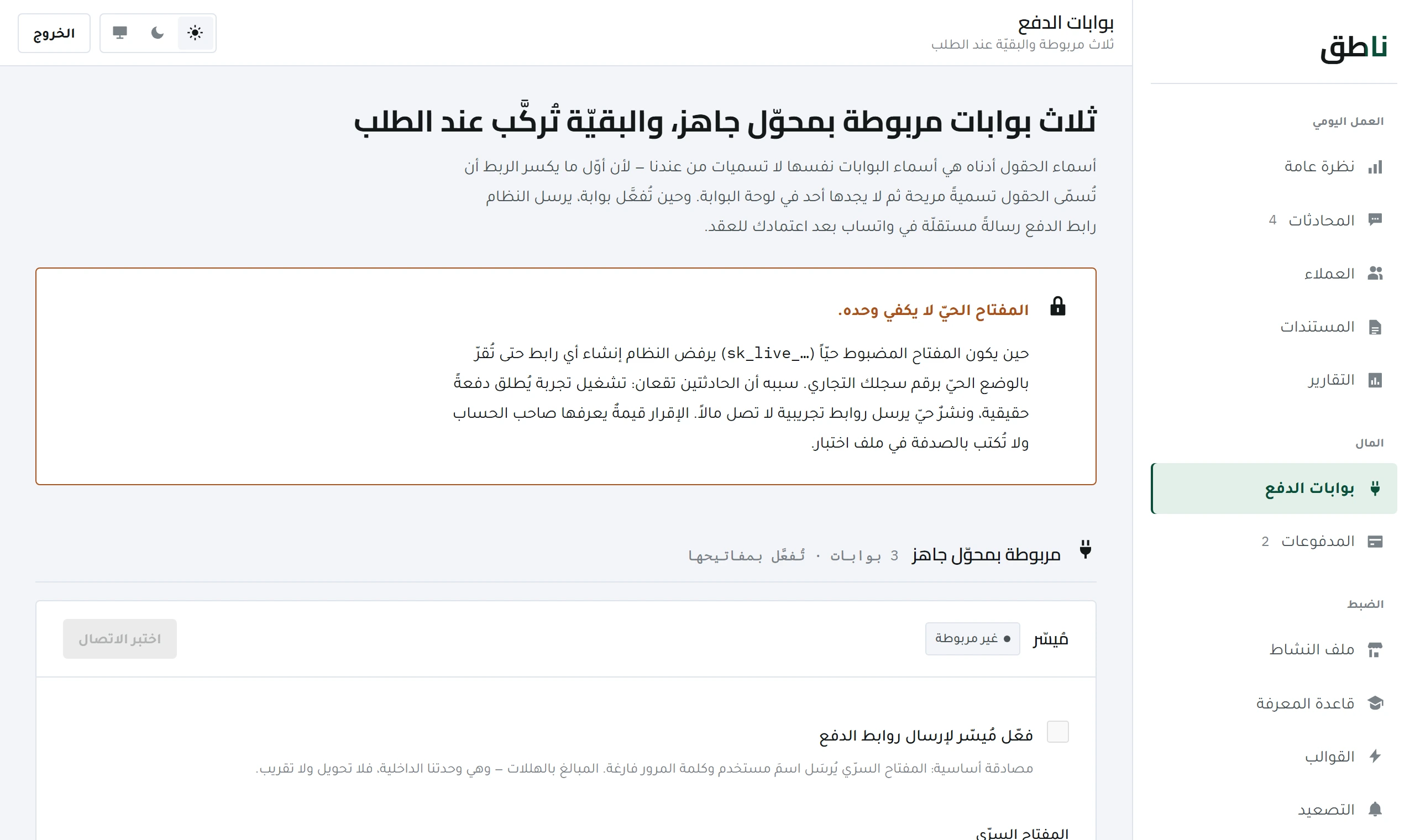 Money
Money
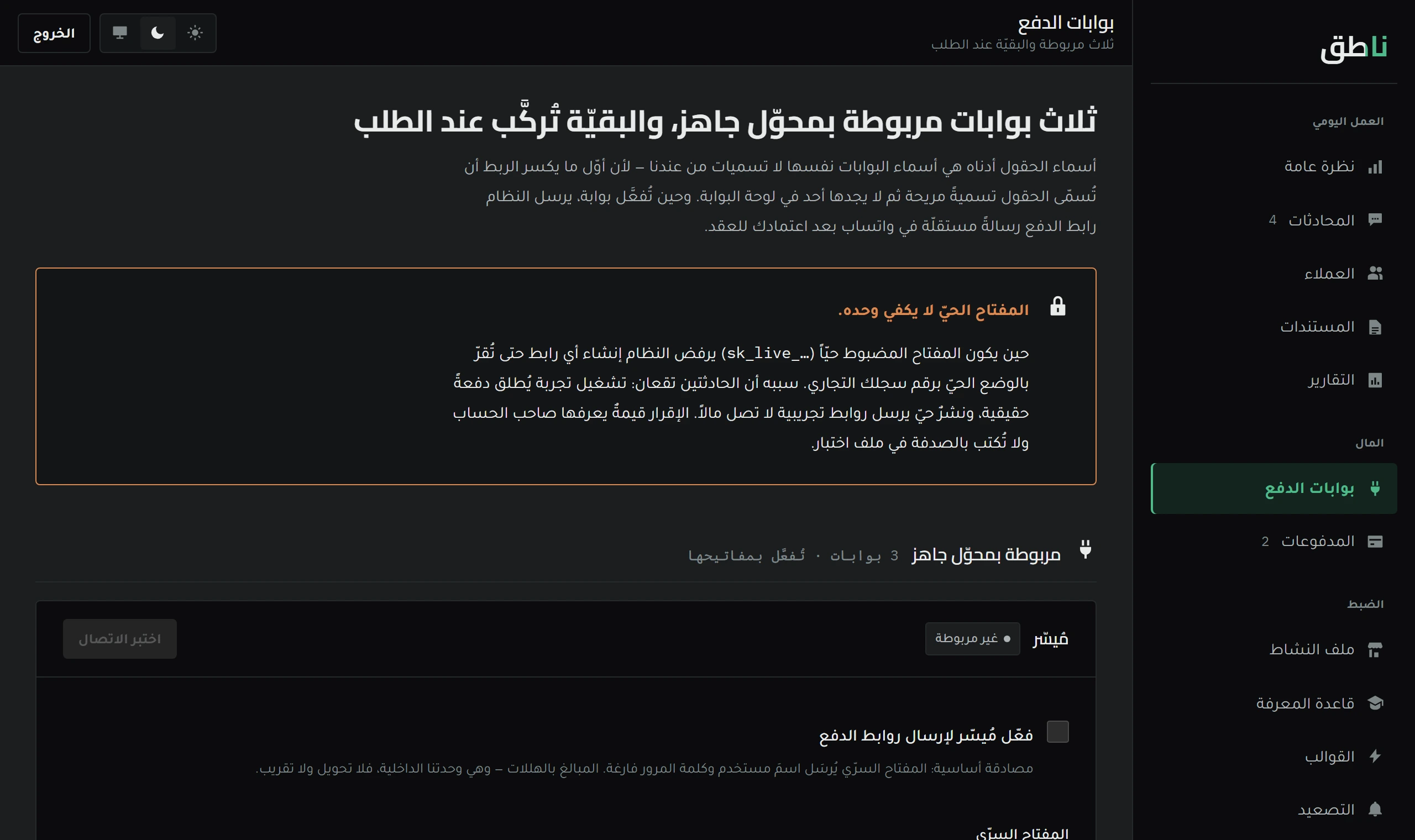
Every gateway names its keys its own way. Where to find each of them, and the difference between a test key and a live key.
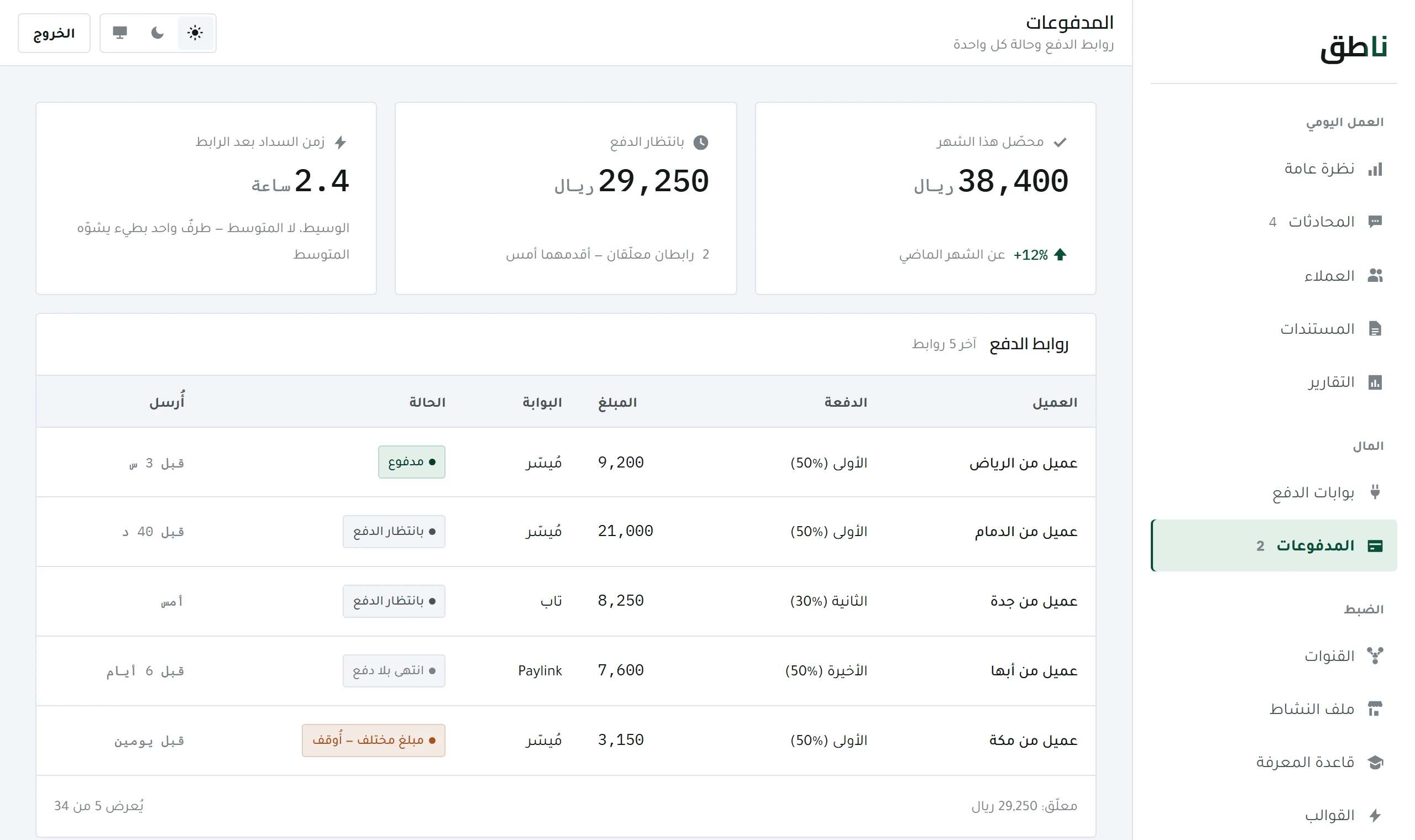 Money
Money
The payment ladder, the state of every link, and why a payment is not recorded just because the customer said «I transferred it».
What makes the reply correct: the knowledge base, and the rules for escalating to you.
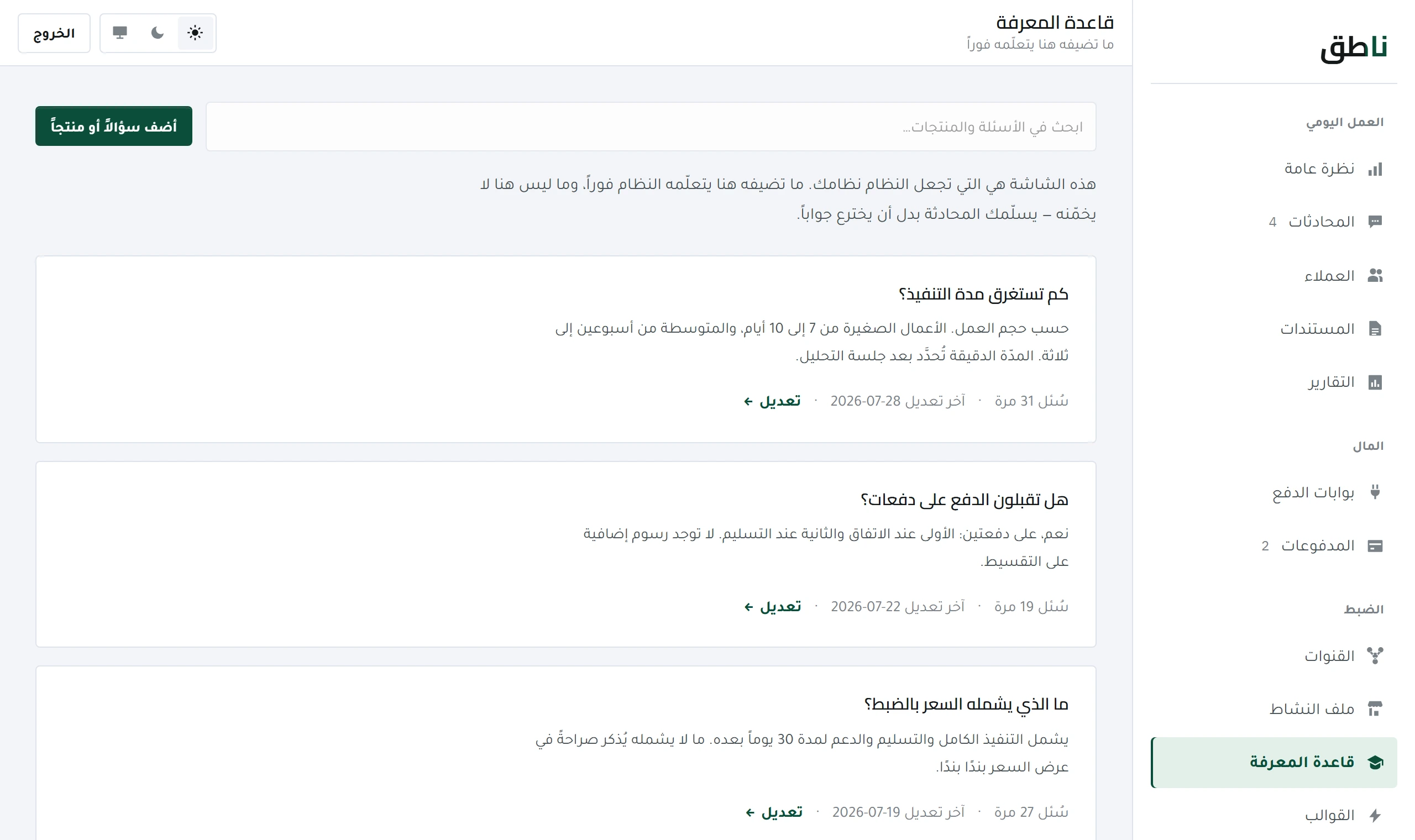 Tuning and quality
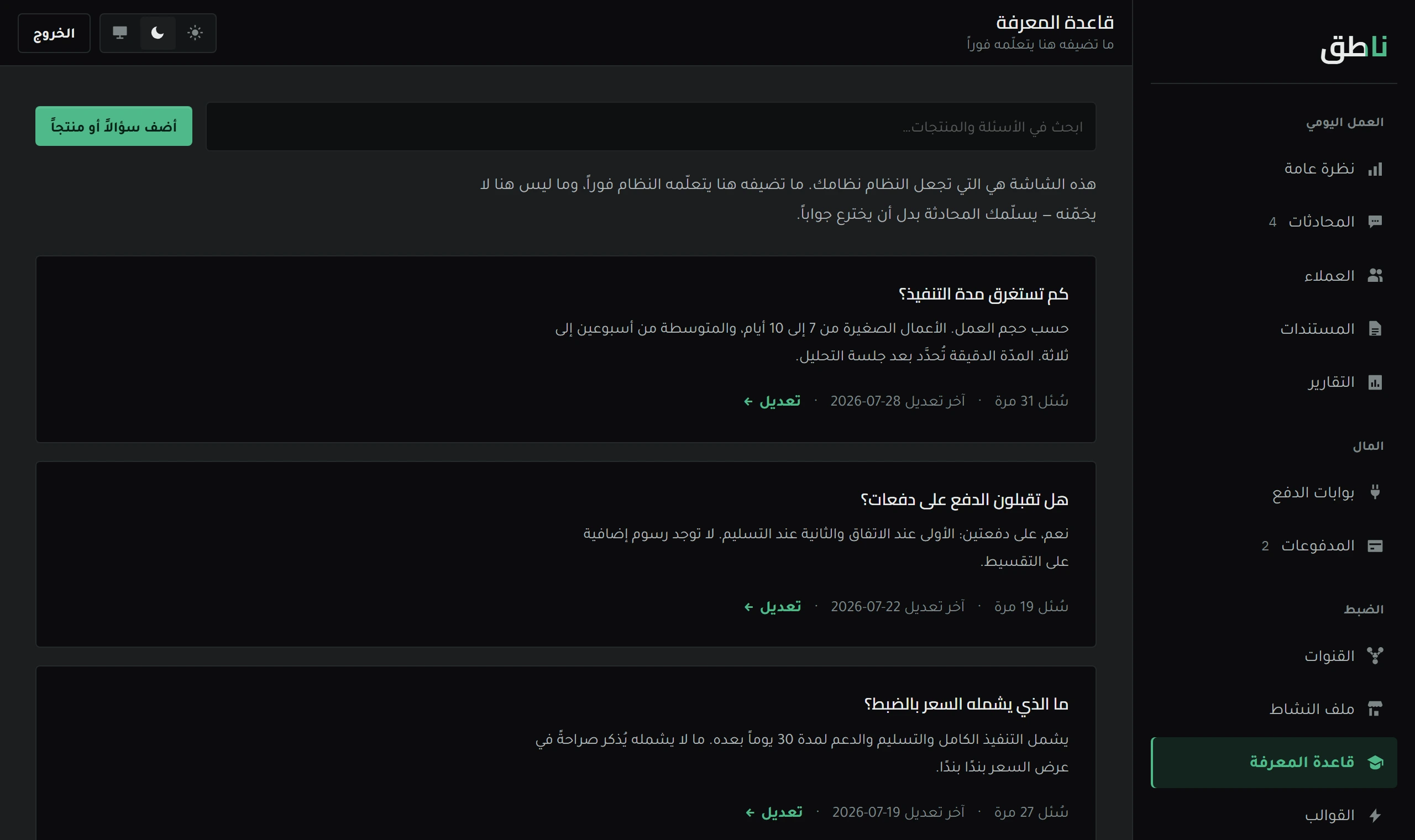
What determines reply quality most is not the model but what it knows about your business. How to write an entry, and what must never go in here.
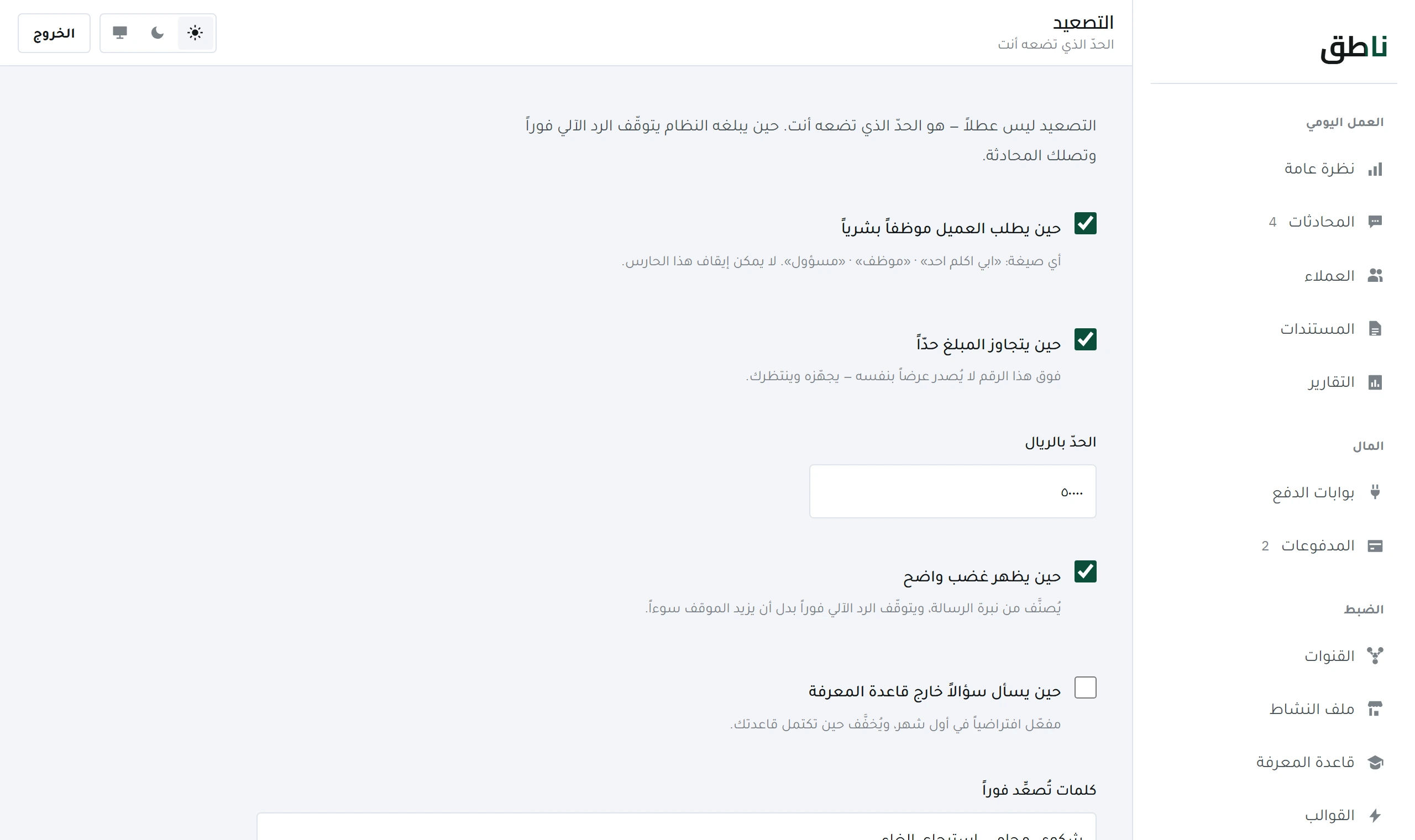 Tuning and quality
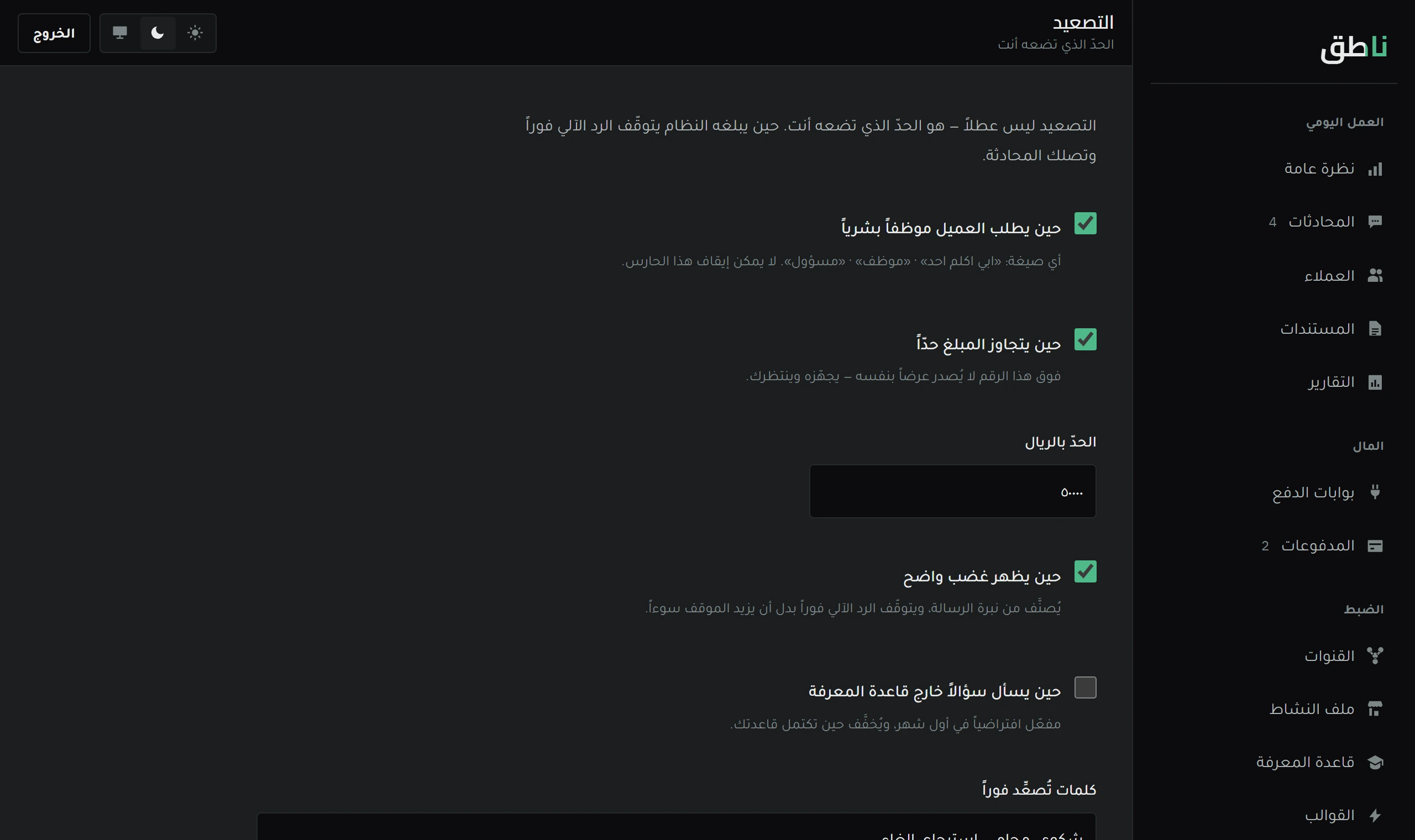
Escalation is not a failure but a guard. What stops the system and hands over to you, and how to tune it without turning everything into an escalation.
And if you are still comparing before deciding, the analysis and the prices are in the Blog.