 Getting started
Your first week in Naateq — what to look at
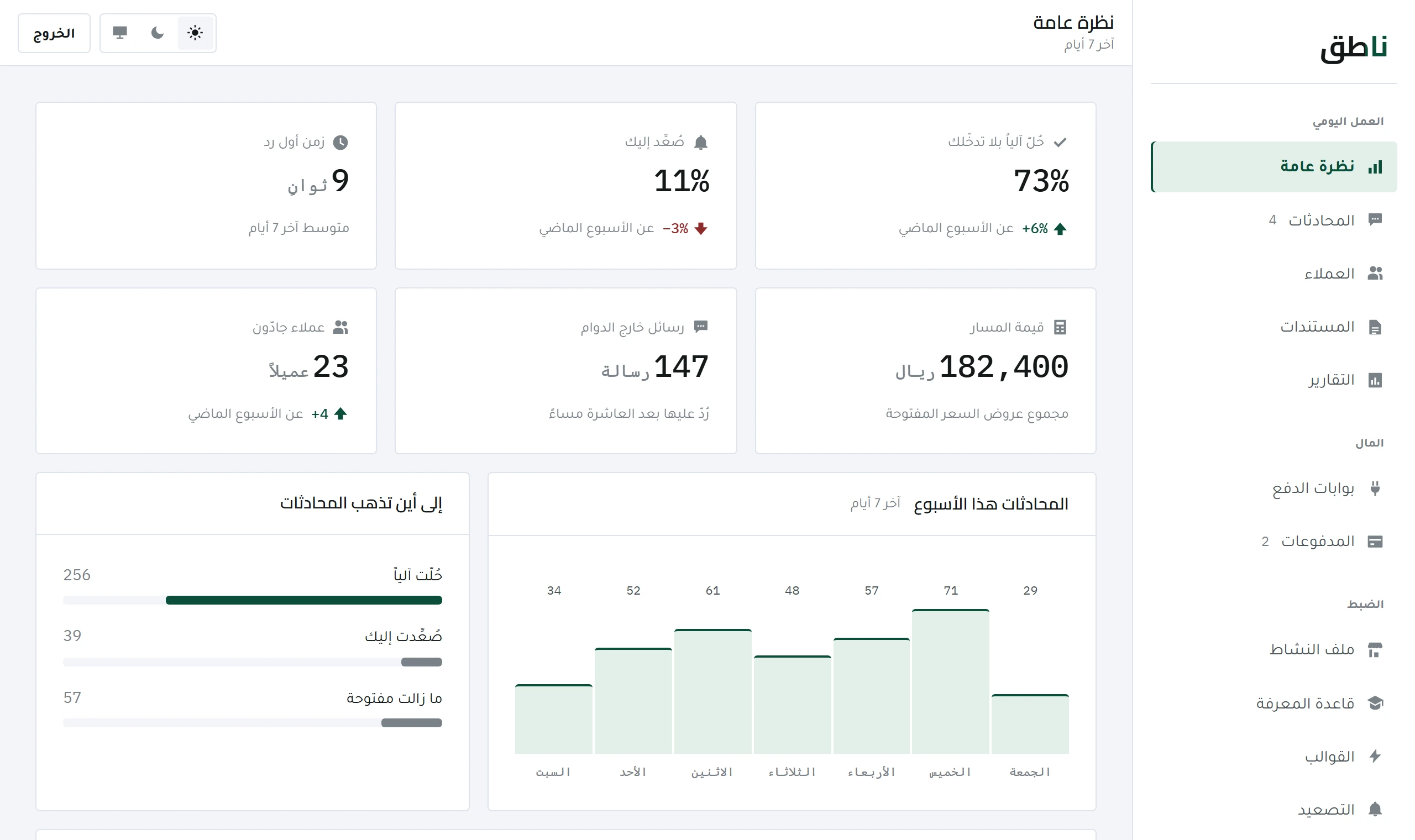
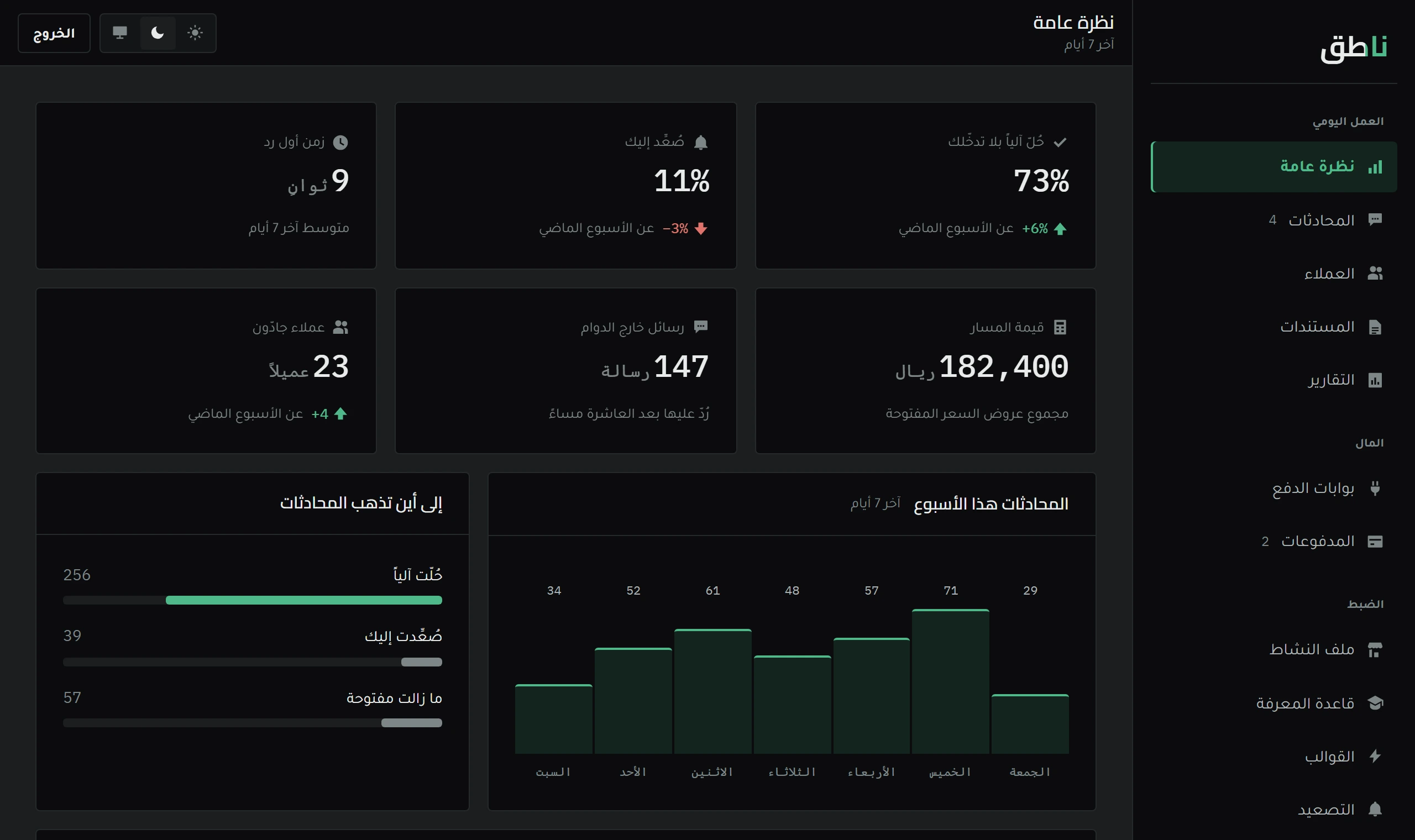
Four numbers at the top of the dashboard carry your first week: automated resolution rate, escalation rate, first-reply time and pipeline value.
5 minOpen lesson
Every channel is its own row with its own status and keys. What each one needs, and why Instagram and Messenger do not open at the press of a button.
Getting started · 6 min read
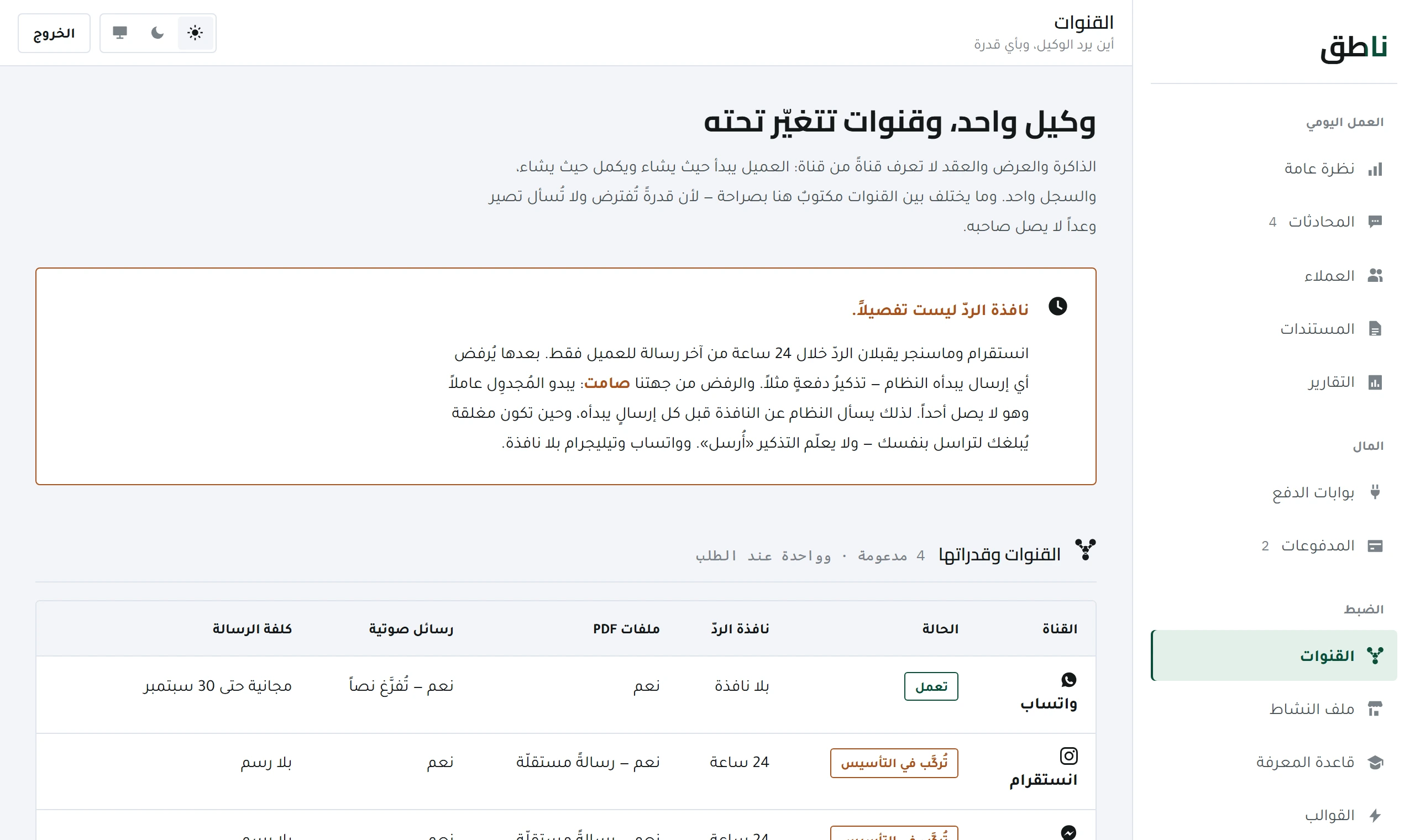
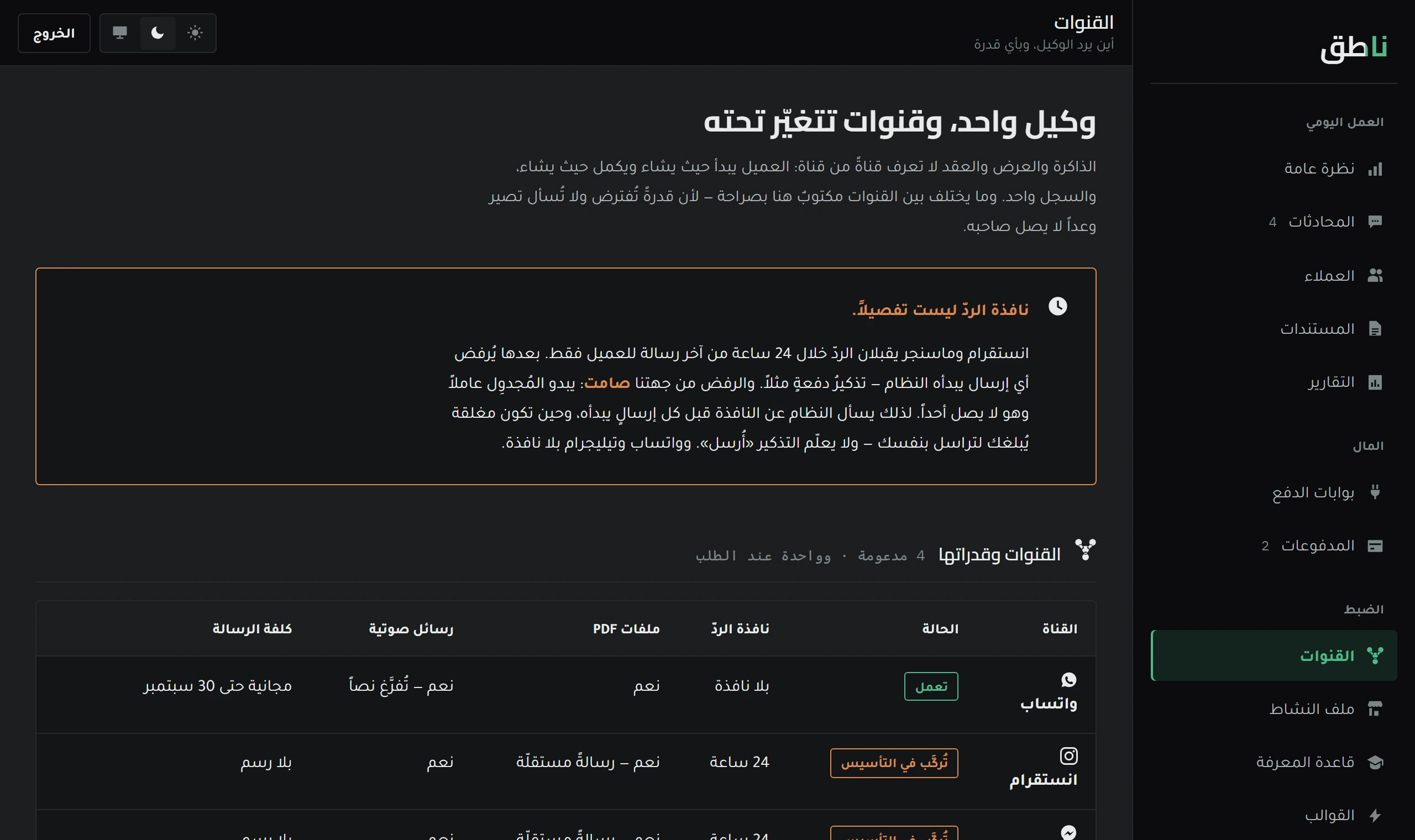
The Channels screen shows every channel as its own row: its status, its credentials, and what it is missing. Channels are not equal in what they ask of you — one needs a single token, another needs a server and a review from Meta.
This lesson tells you exactly what each channel requires, how long it takes, and why some of them cannot be short-cut.
«Connected» is read from the connection itself, not from a box someone ticks. If a channel drops, the status changes on its own — and the screen never states something untrue because someone forgot to update it.
| Channel | What you need | Duration |
|---|---|---|
| A dedicated number, and one QR scan | Minutes | |
| Telegram | A bot token from BotFather — nothing else | Minutes |
| A public server + a Meta app review | weeks | |
| Messenger | A Facebook page + the same Meta review | weeks |
Send it the new-bot command, then pick a name and a handle ending in bot.
A long token starting with digits then a colon. It is a full key — whoever holds it owns the bot, so never send it in a chat.
The status turns «connected» within seconds, and the first incoming message opens a conversation in the dashboard like any WhatsApp chat.
Nothing changes in behaviour after that: the same replies, the same knowledge base, the same Escalation rules — a channel is a transport, not a second personality.
WhatsApp and Telegram can be polled for new messages. Instagram and Messenger are different: Meta pushes the message to you — it knocks on a public address you own, with a valid certificate and a signature you verify.
So opening the dashboard is not enough — you need a fixed address on the internet that is always up. And before that, Meta has to review your app and grant it messaging permission, a human review that takes weeks and cannot be rushed.
Snapchat has no public API for receiving and sending account messages — there is simply nothing to connect. What works in practice is to route your Snapchat content into a WhatsApp conversation through a tagged link, so the customer reaches you and you know where they came from.
One token from BotFather inside Telegram: create a bot, copy the token, paste it into the Telegram row. No phone number, no review, no waiting — which is why it is the fastest channel to add.
Because Instagram and Messenger run on webhooks: Meta pushes the message to a public address you own, and it cannot be pulled. That needs a server with a fixed address and a certificate, plus a Meta app review that takes weeks.
Getting started
Four numbers at the top of the dashboard carry your first week: automated resolution rate, escalation rate, first-reply time and pipeline value.
 Tuning and quality
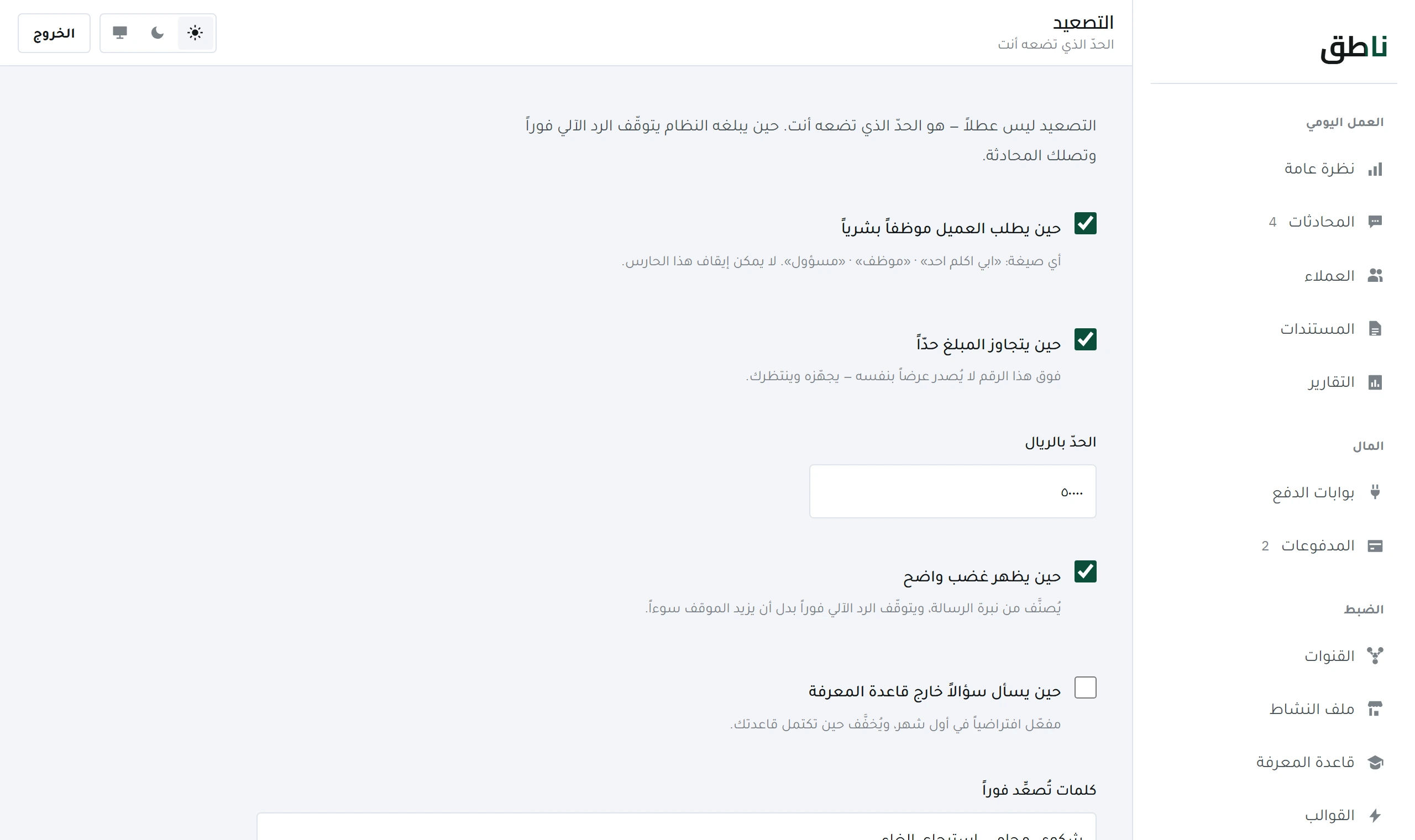
Escalation is not a failure but a guard. What stops the system and hands over to you, and how to tune it without turning everything into an escalation.