 Money
Money
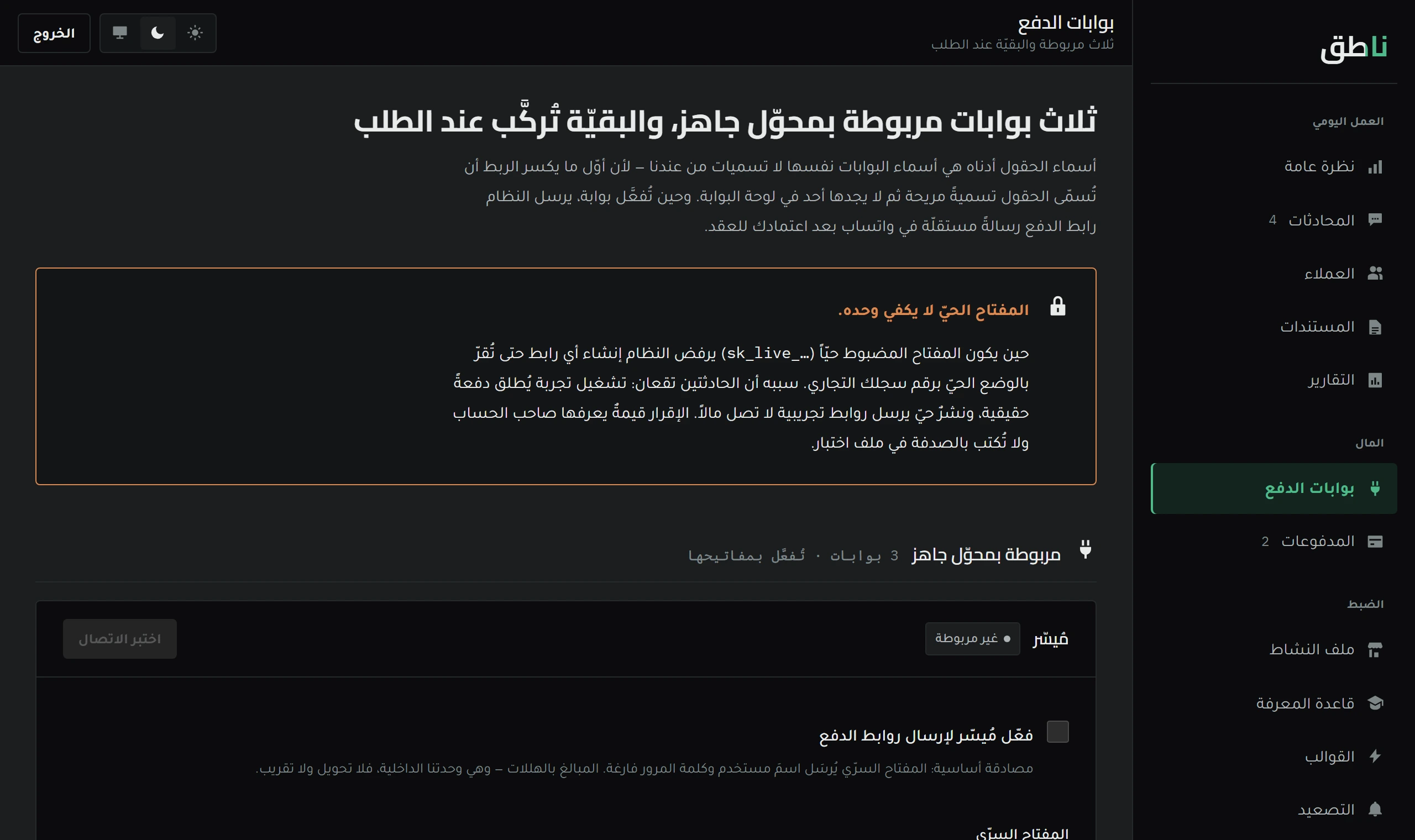
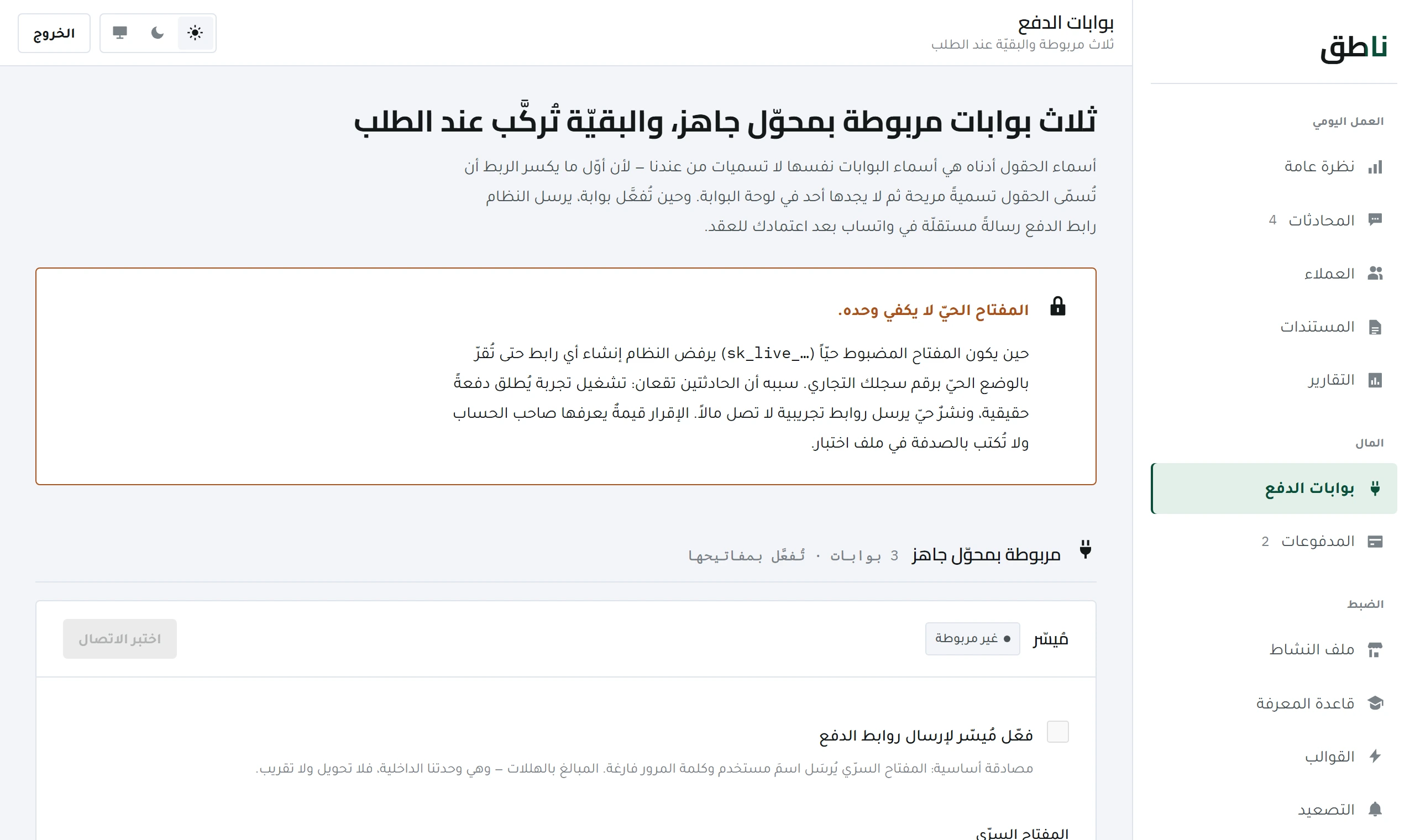
Activating a payment gateway — with the fields as the gateway names them
Every gateway names its keys its own way. Where to find each of them, and the difference between a test key and a live key.
7 minOpen lesson
The payment ladder, the state of every link, and why a payment is not recorded just because the customer said «I transferred it».
Money · 6 min read
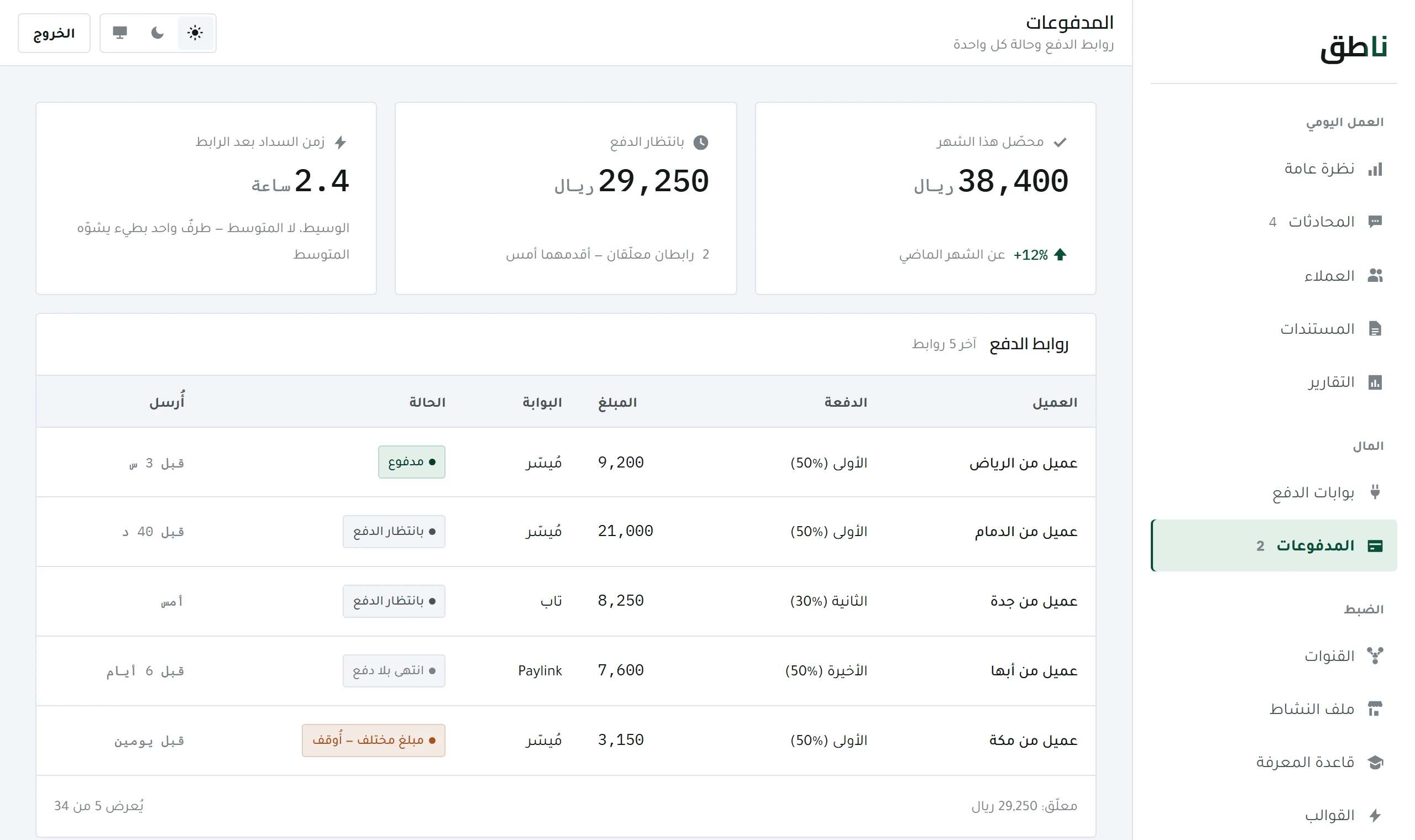
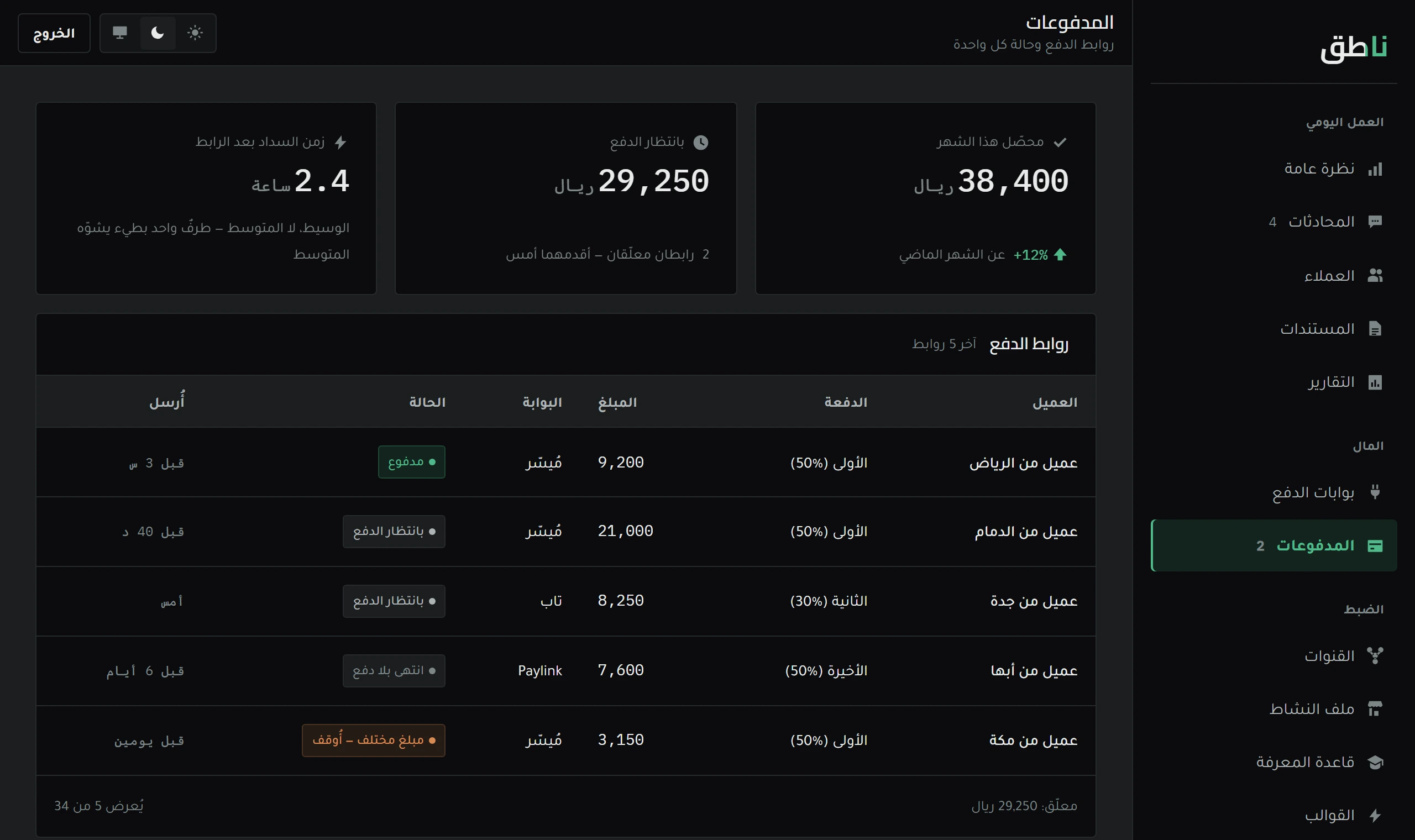
The Payments screen shows the payment ladder for every contract, and every payment link issued with its state: paid, pending, or expired. All three are shown deliberately — a screen that is all green is hiding something.
And this lesson explains how the states are read, and what to do when a customer says they paid and the status has not changed.
No payment is recorded without confirmation from the gateway, and then asking it a second time before recording. A single confirmation may arrive forged or duplicated.
| Case | Means | What you do |
|---|---|---|
| Sent | Reached the customer, not opened yet | Nothing — the reminder is automatic |
| Pending | Opened, the transaction did not complete | Ask: a card may have been declined |
| Paid | The gateway confirmed, and it was re-checked | Nothing — it is recorded |
| Expired | Its validity lapsed with no payment | Issue a new link for the same instalment |
And an expired link stays in the list and is not deleted — because its disappearance would make the payment look as if it was never due.
The gateway's confirmation usually arrives within a few minutes, not instantly.
A bank transfer never passes through the gateway, so the link's state will not change however long you wait.
The transaction may have been declined by the customer's bank and the message did not reach them clearly.
The rule has not changed: a transfer needs a receipt and your confirmation. The gateway added a road; it did not remove the old one.
The payment reminder is sent automatically at its time. But Meta's channels — Instagram and Messenger — only allow messaging within twenty-four hours of the customer's last message. After that the message is rejected.
So a reminder sent outside the window would show «sent» in the log and reach nothing. Which is why the system checks the window before sending, and if it is closed it alerts you to message the customer yourself — instead of recording a false success.
Where the link comes from is in activating a payment gateway, and what precedes it in approving the document.
The customer's word is not evidence, and the system records no payment without confirmation from the gateway itself. Confirmation arrives within minutes; if it takes longer, open the link on the screen and check its state with the gateway directly.
It stays in the list marked «expired» and is not deleted — because its disappearance would make the payment look as if it was never due. You issue a new link for the same instalment, and the first is cancelled automatically.
Money
Every gateway names its keys its own way. Where to find each of them, and the difference between a test key and a live key.
 Daily work
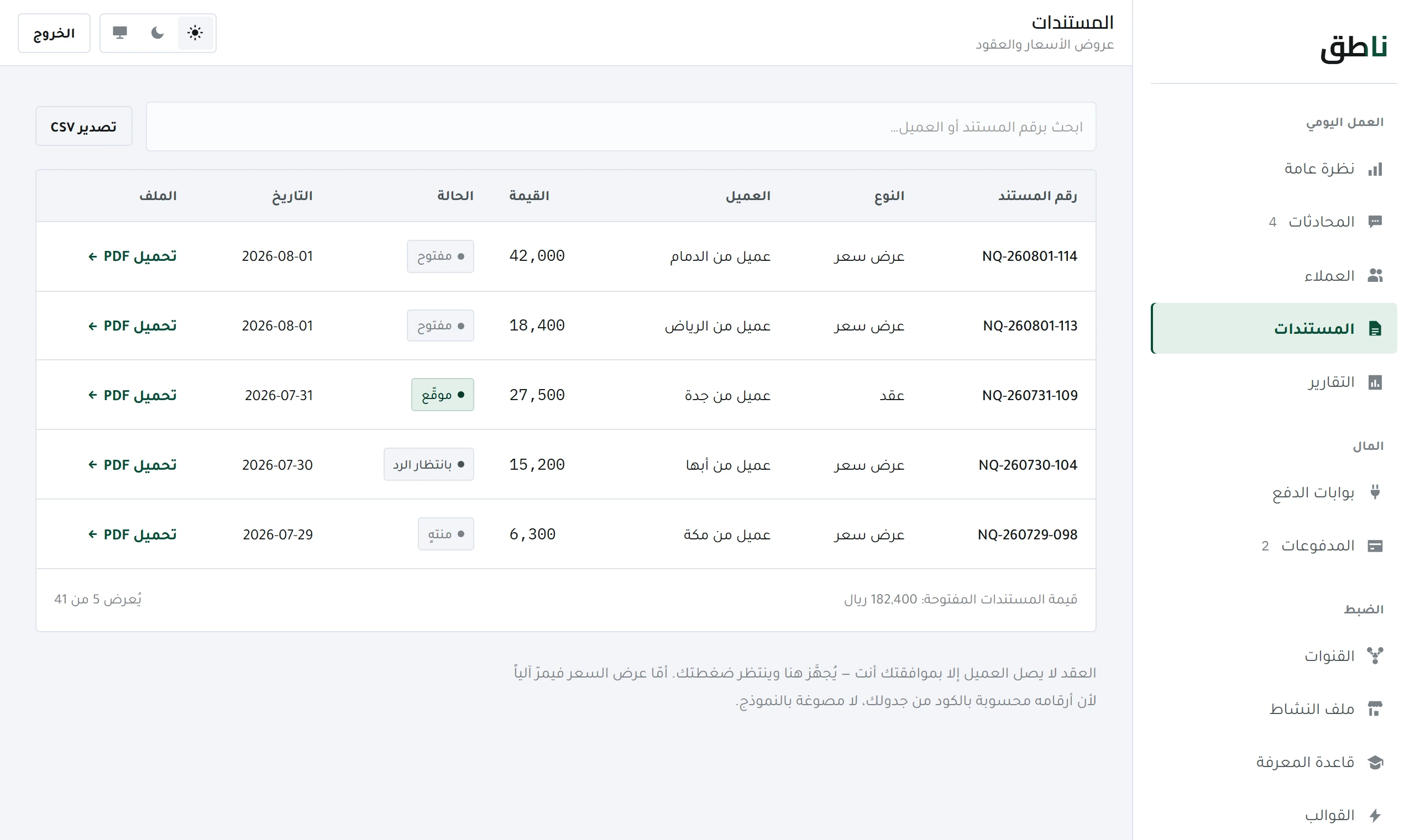
The system prepares the document and does not issue it. Why approval is always manual, and how to approve from WhatsApp in one message.