 Daily work
Approving a quote or a contract — the step the system never skips
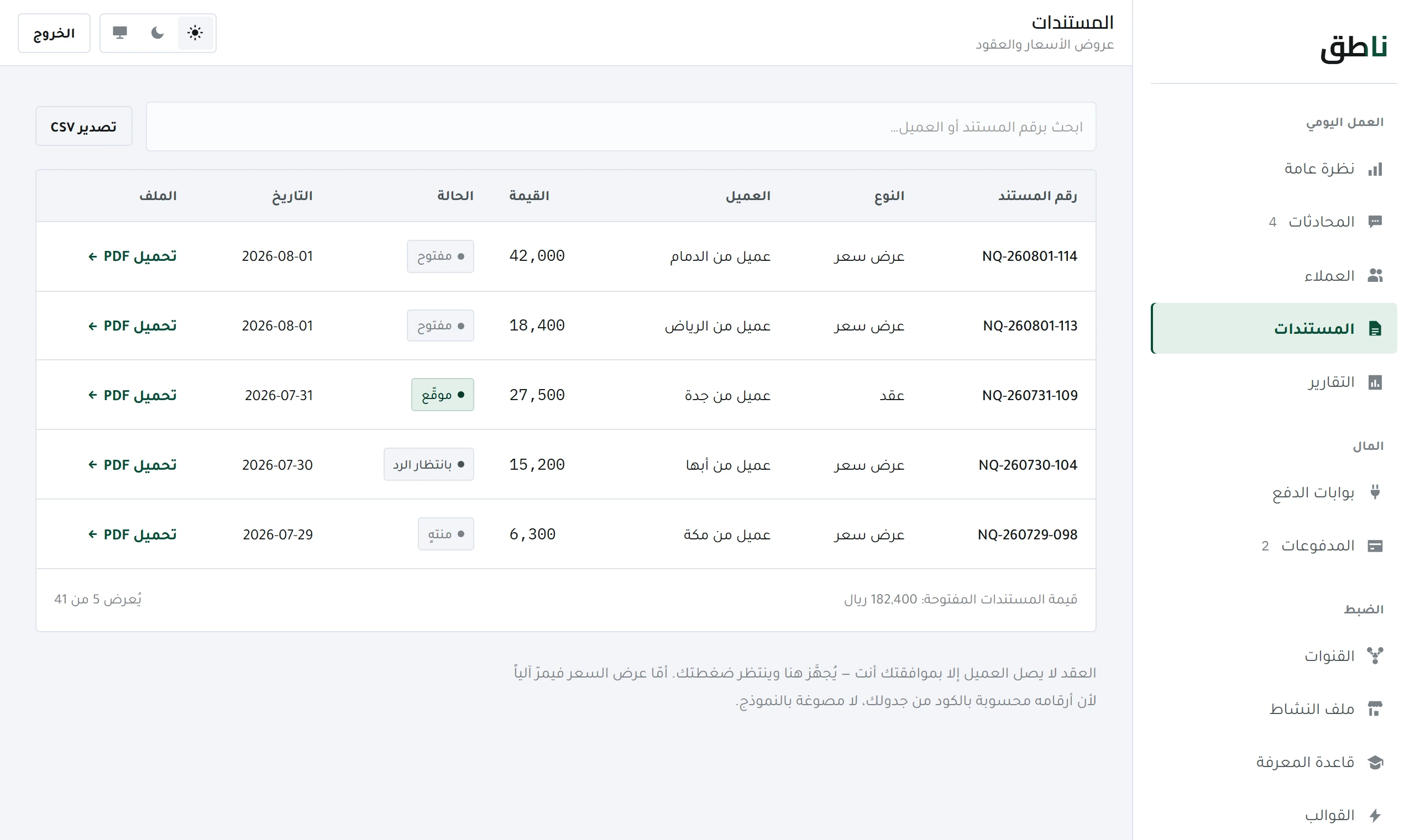
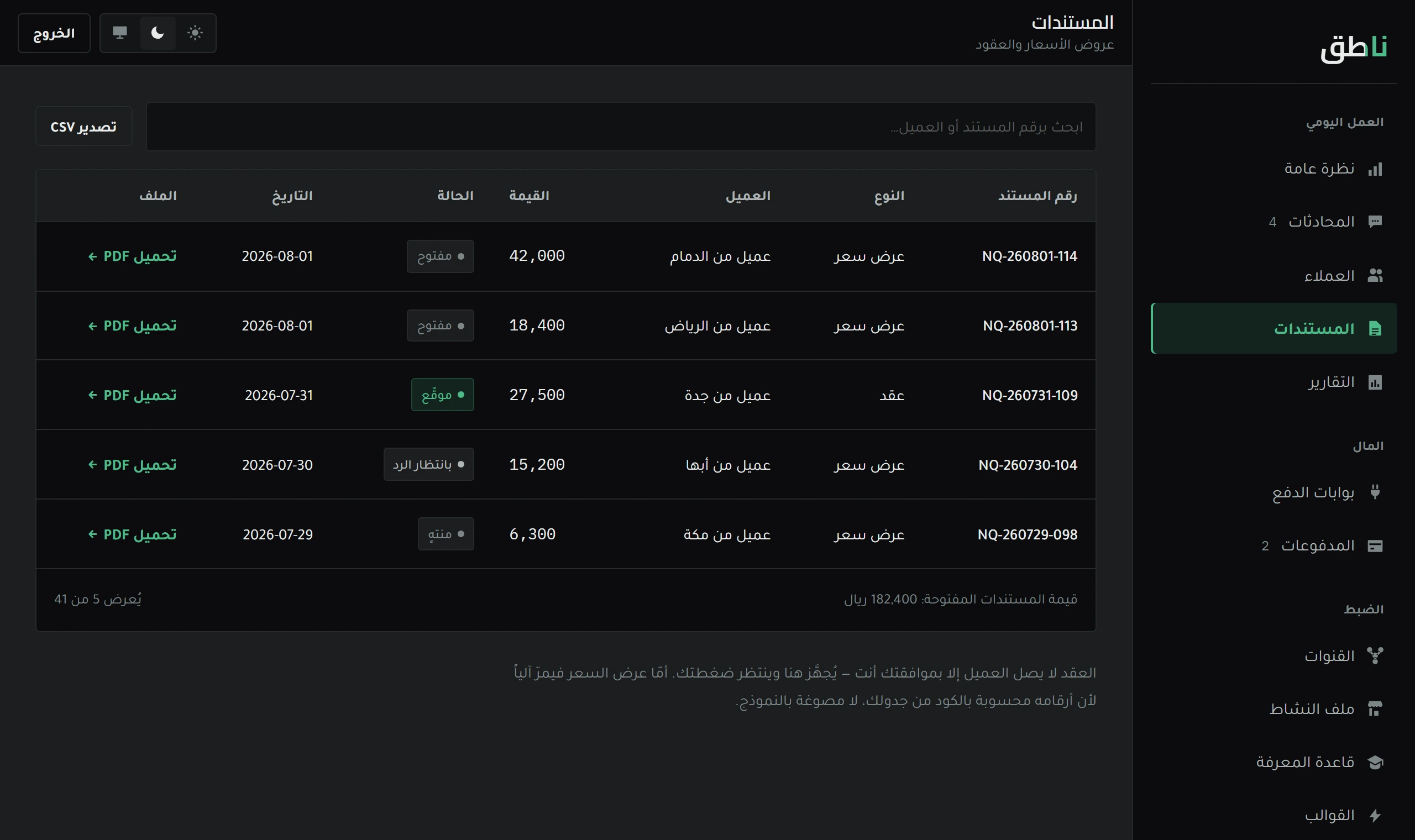
The system prepares the document and does not issue it. Why approval is always manual, and how to approve from WhatsApp in one message.
7 minOpen lesson
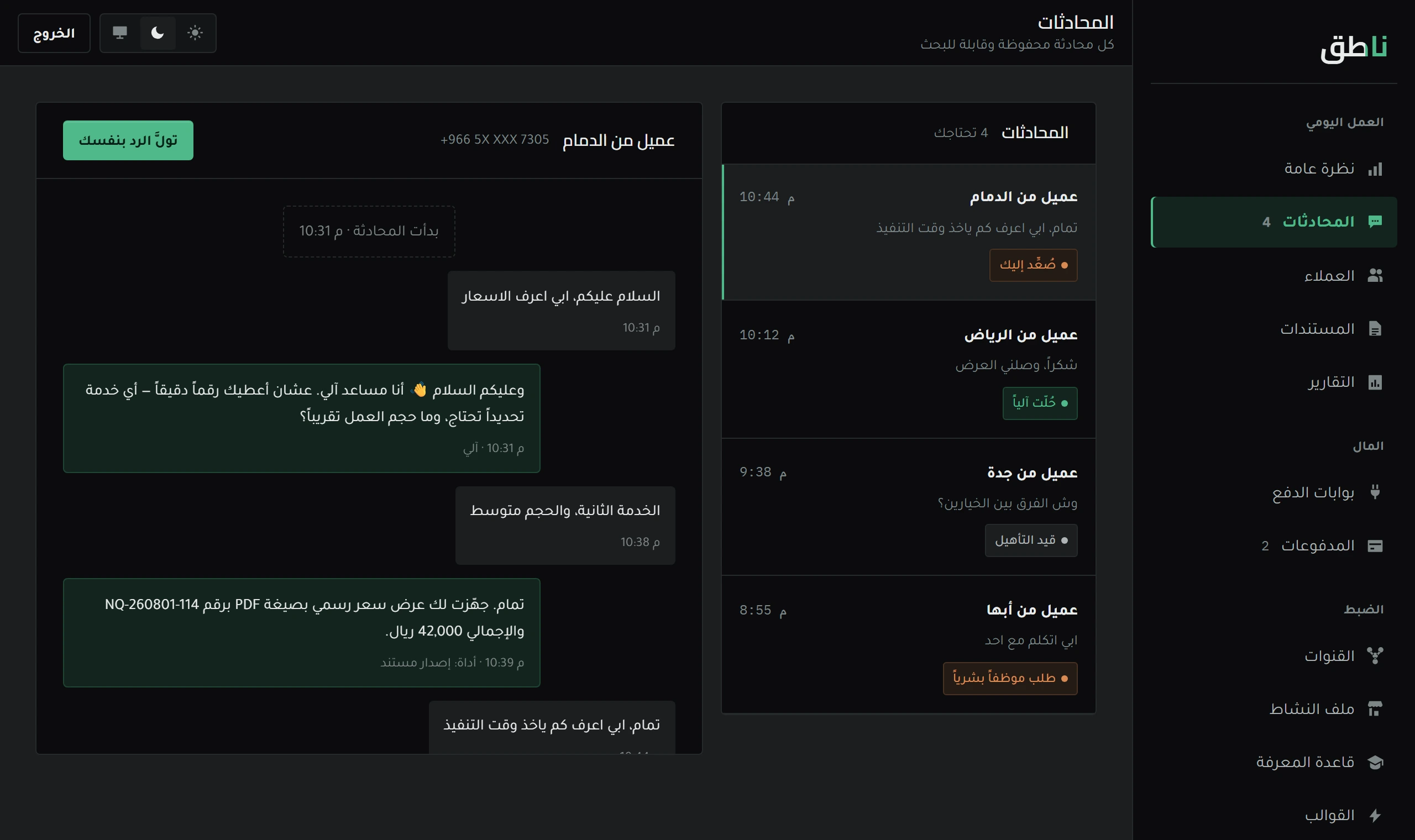
The system replies on its own, and you see everything. How to read a conversation, what the «escalated» tag means, and what happens when you type.
Daily work · 6 min read
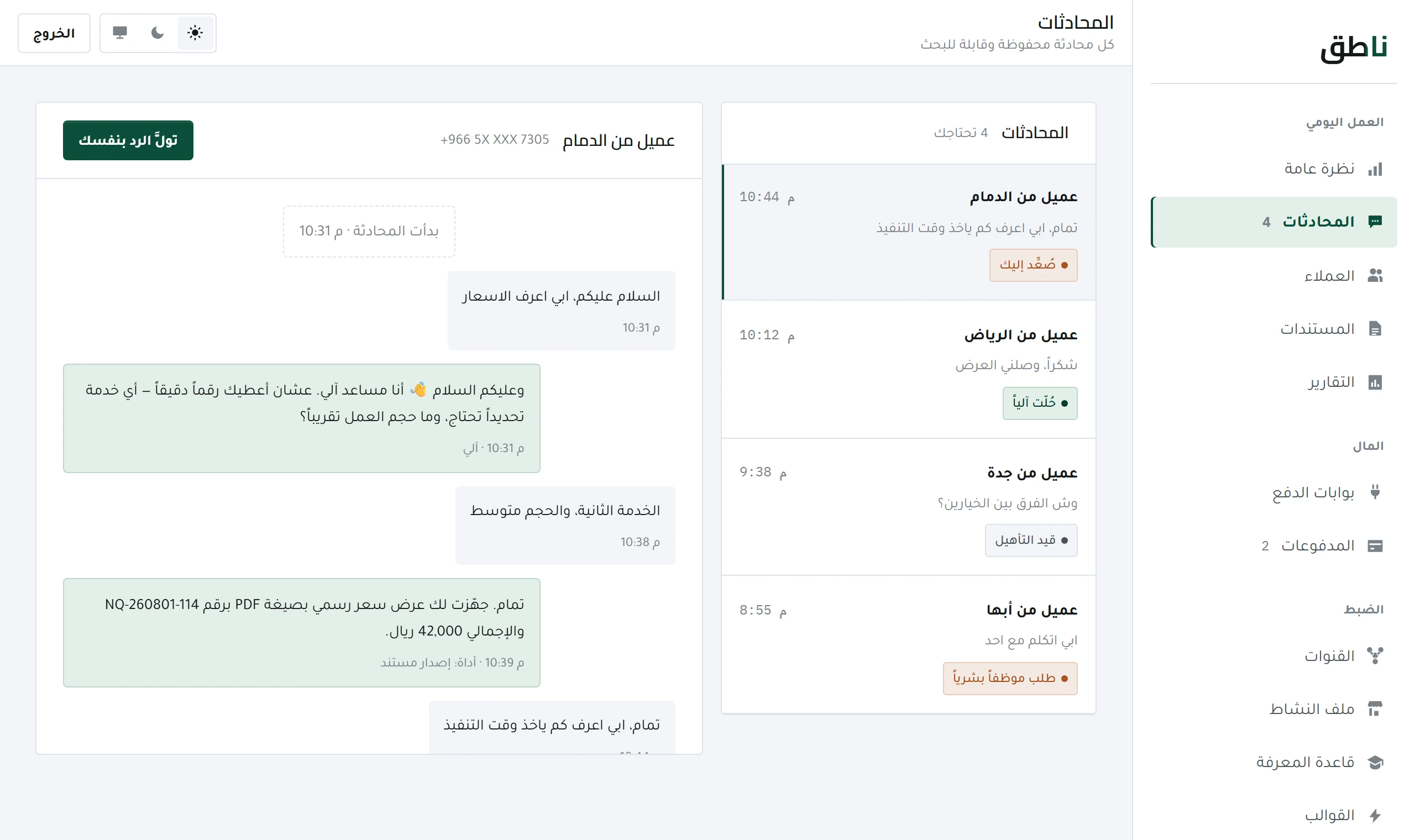
The system replies on its own, and you see everything. The Conversations screen is not an inbox you work in — it is a window you watch from, and open when you want to step in.
And this lesson explains what the conversation states mean, what happens the moment you type, and why the system cannot read a conversation that is not its owner's.
The first character you type in a conversation stops the system replying there. A customer who receives two different replies to one question loses confidence in both.
| Case | Means | Do you act? |
|---|---|---|
| Active | The system is replying and the customer is writing | No — just watch |
| Escalated | The system stopped and called you, with the reason | Yes, and quickly |
| Closed | Ended with no open question | No — read it for review |
And what matters in «escalated» is not its count but its reason: a reason recurring ten times is one missing entry in the Knowledge base.
This is not a setting you can change — it is a rule in the system's core. When it replies to a customer, all it has before it is that customer's record alone: their quotes, their orders and their past conversations.
And the reason is practical, not theoretical: a system that sees all customers at once might mention a price given to someone else, or the name of a company that competed against this customer last week. A leak like that goes unnoticed until it happens once, and once is enough.
Owner commands — approving a document, for instance — are read only in your own chat with the system. A message from a customer saying «I approve the contract» is treated as a customer's words, not an approval command, however it is worded.
Those are the only ones waiting for you. The system handles the rest.
So the customer knows the conversation is back on track, and the system resumes replying from the next message.
Otherwise you will step into the same question next week — and that is the difference between a system that improves and one that consumes you.
The system stops replying in that conversation until you are done. This is a deliberate guard: a customer who receives two replies — one from you and one from the system — to the same question loses confidence in both.
No. Customer isolation is a rule in the core, not an option in settings: in any conversation the system sees only that customer's record. This is what prevents a price or a name leaking from one customer to another.
Daily work
The system prepares the document and does not issue it. Why approval is always manual, and how to approve from WhatsApp in one message.
 Tuning and quality
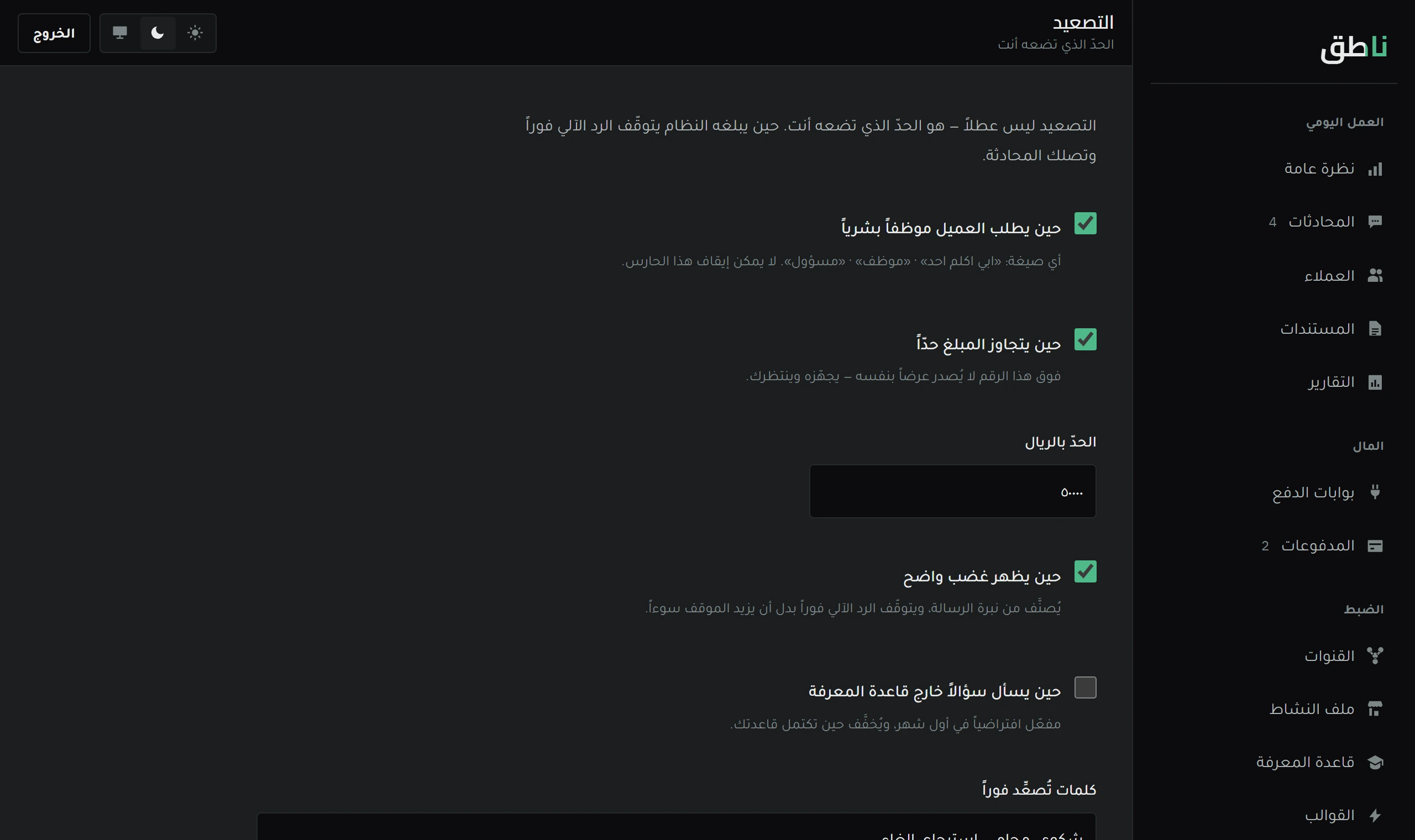
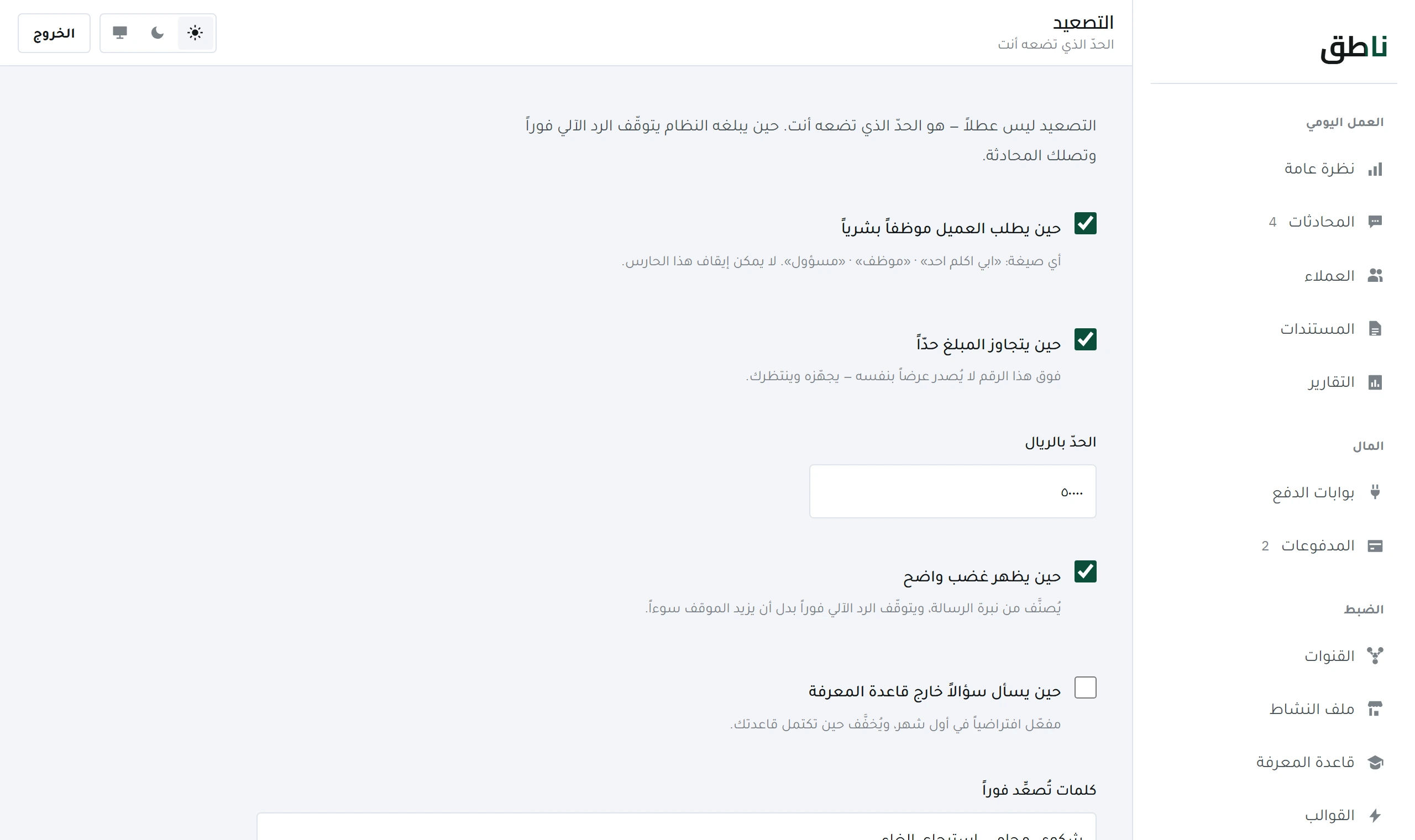
Escalation is not a failure but a guard. What stops the system and hands over to you, and how to tune it without turning everything into an escalation.